

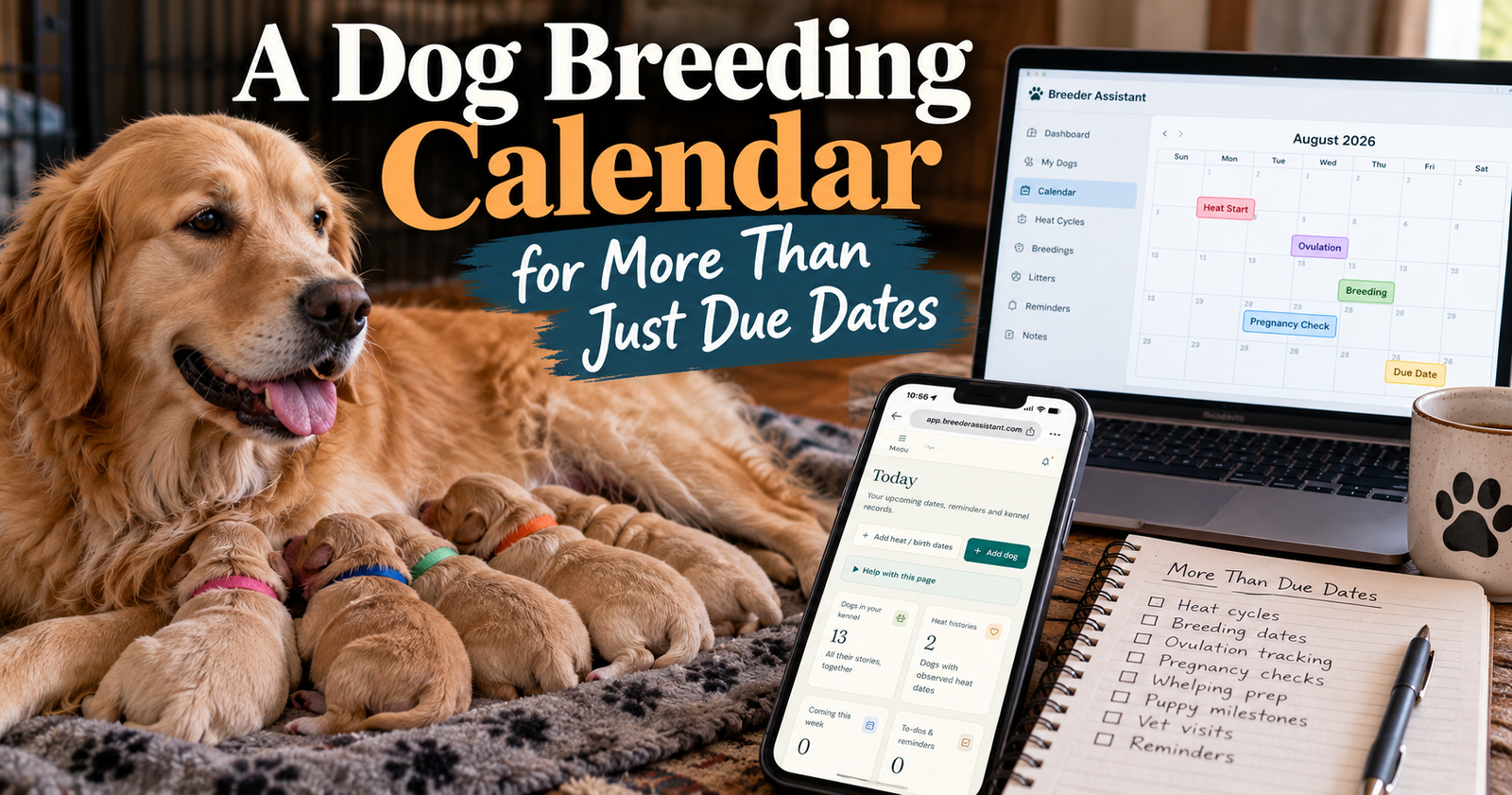
A useful dog breeding calendar should help you see what needs attention across your dogs and litters. Heat estimates matter, but so do veterinary appointments, care tasks, follow-ups, and the day a puppy is scheduled to leave for its new home.
Breeder Assistant brings those upcoming dates into one calendar, with records connected to the dogs and puppies they belong to.
I’m a licensed breeder with 14 dogs total and many years of experience. With that many dogs, I want a date to tell me something useful when I look at it.
“Vet Thursday” leaves questions.
“Bella’s follow-up Thursday, with the clinic’s instructions in her record” gives you something you can act on.
What Belongs on a Dog Breeding Calendar?
Start with the things you need to do, prepare for, or review.
Not every date means the same thing. An appointment is a commitment. An estimated heat is a planning aid. A recorded birth date is something that already happened.
Keeping those differences clear makes the calendar much more useful.
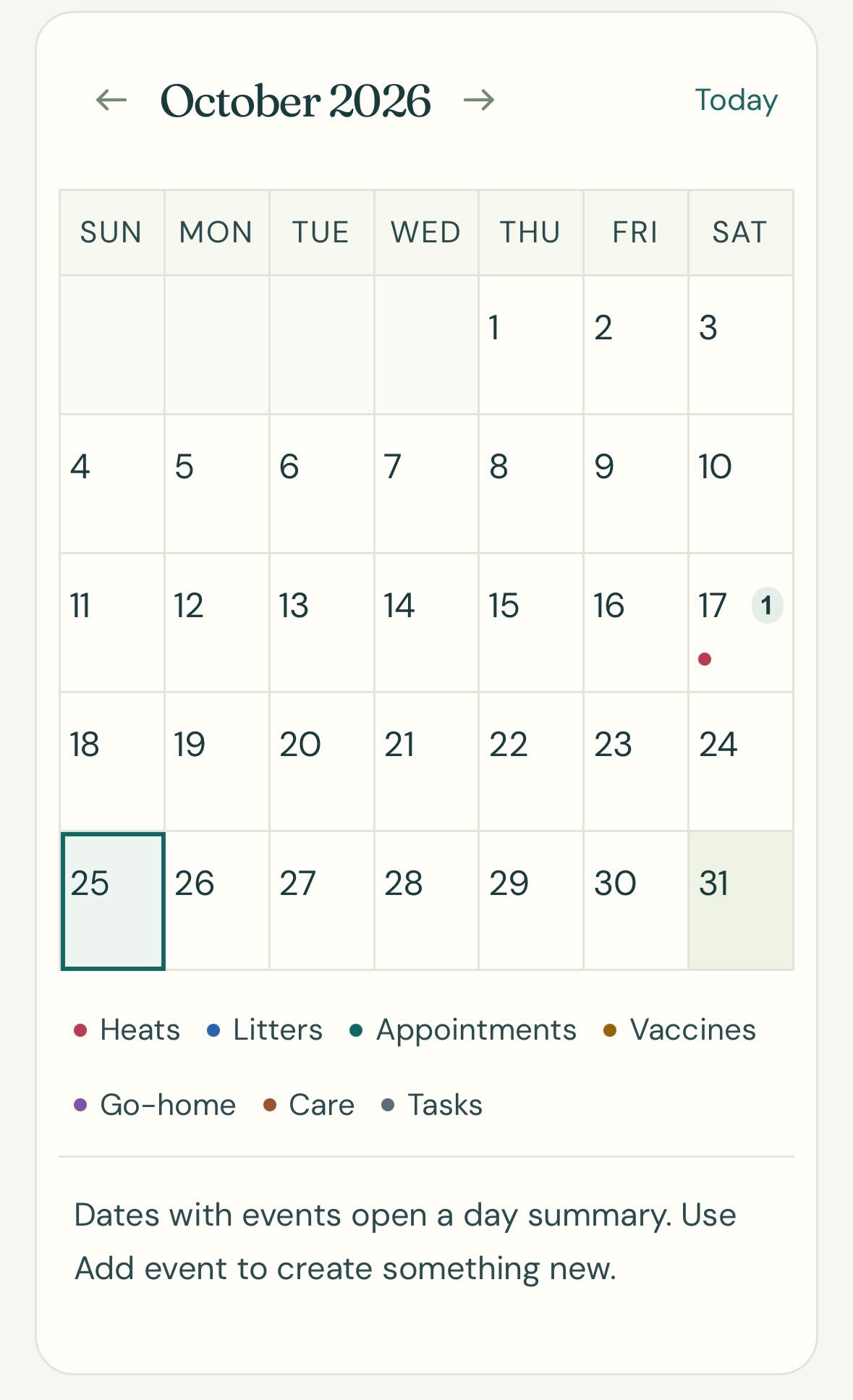
Veterinary Appointments
Record the appointment against the correct dog or puppy.
Include what the visit is for and any preparation instructions the clinic provides.
If you need to bring records or call ahead, make that a separate task rather than hoping you remember.
Care Tasks
Add the tasks that belong to your actual care plan.
That could mean reviewing a puppy’s progress, preparing paperwork, or following up on veterinary instructions.
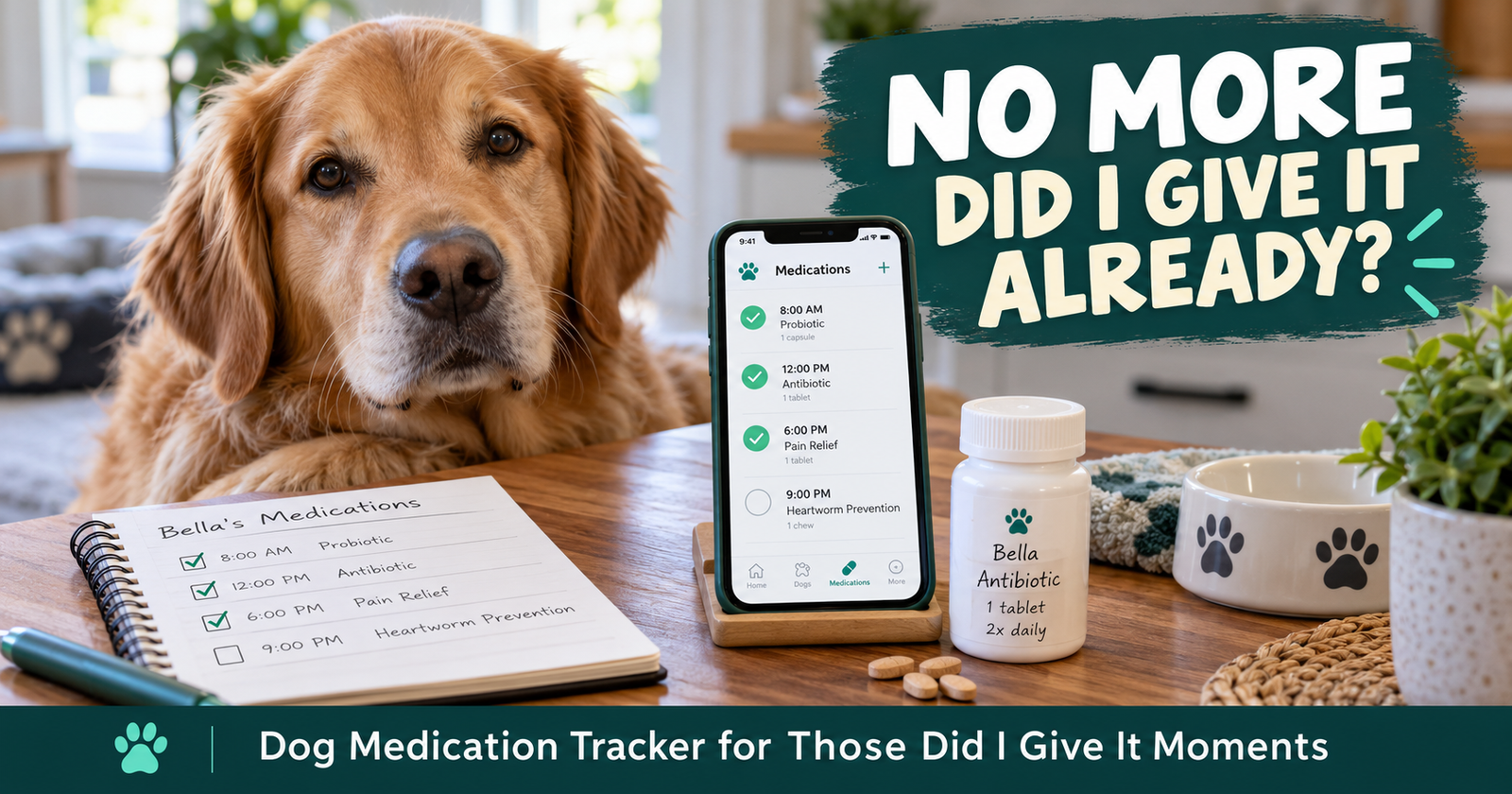
Medical schedules should come from your veterinarian. The calendar helps you carry out the plan. For recording each dose after it is given, use the dog medication tracker alongside the calendar.
Heat Estimates and History Check-Ins
These help you look ahead without confusing an estimate with an observed event.
Breeder Assistant labels estimated heats and heat-history check-ins separately.
Puppy Go-Home Plans
A planned departure creates preparation work before the puppy leaves.
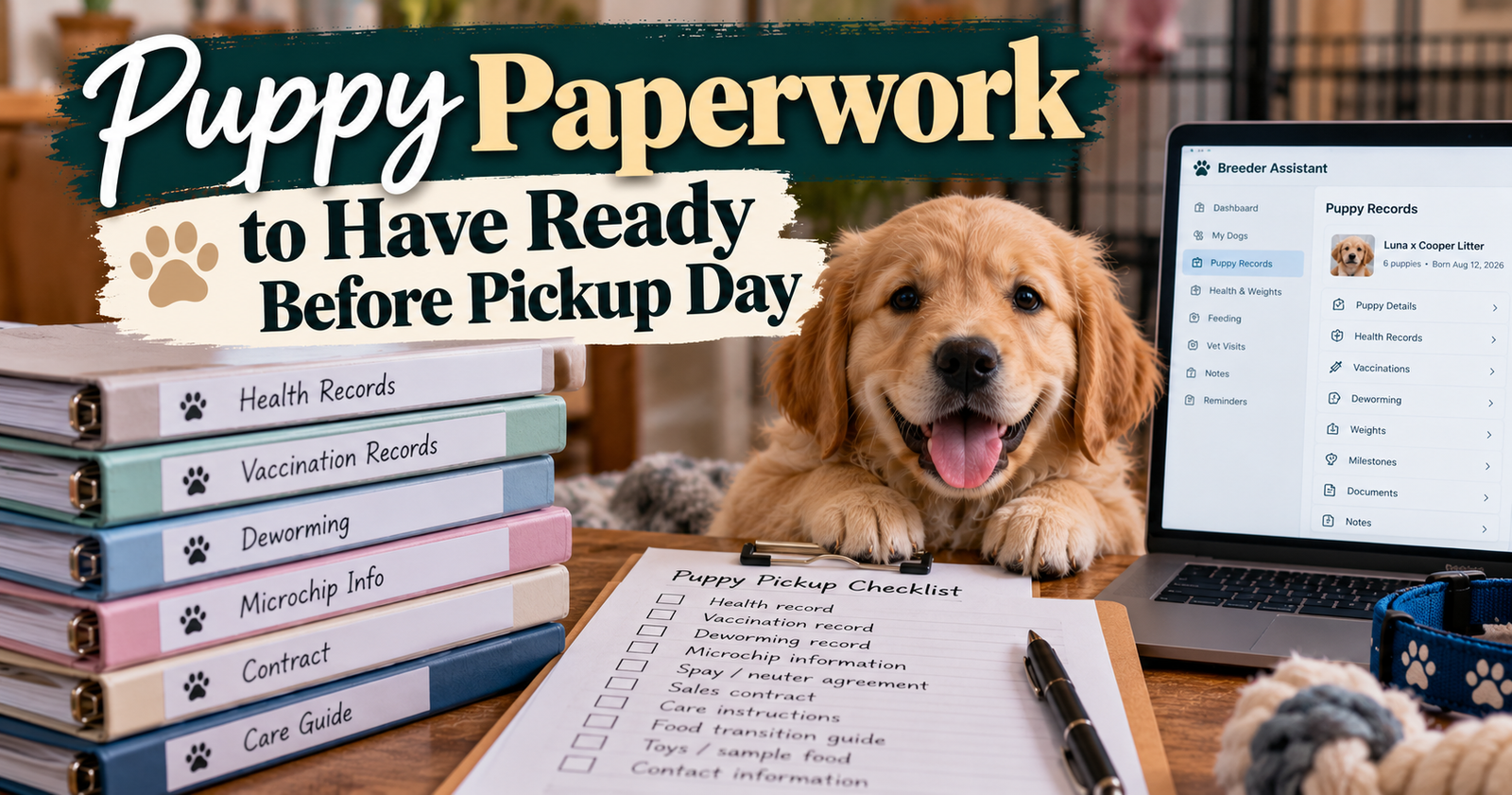
You may need to confirm pickup arrangements, organize the puppy’s records, and review instructions for the new owner.
Open Breeder Assistant to organize these dates around your own dogs and litters instead of keeping a separate reminder system for every kind of task.
A Practical Example With Several Dogs and a Litter
Imagine this situation.
You have a female with an estimated heat approaching, another dog with a veterinary appointment, and a litter getting ready for new homes.
That isn’t an unusual amount of information. But it is enough for dates to get scattered.
Here’s how I’d organize the calendar.
Monday’s Task Is to Make a Call
“Call the clinic about the litter appointment.”
That is a task, not a booked visit.
Once the clinic confirms a date, add the appointment. Mark the call task complete.
Now you can tell what is still being arranged and what is actually scheduled.
Wednesday’s Appointment Belongs to One Dog
Give the appointment a clear title and connect it to that dog.
Keep the reason and preparation details with it.
You shouldn’t have to remember which female “checkup at 10” refers to.
Friday’s Reminder Is About Puppy Paperwork
The puppies aren’t leaving Friday, but their records need preparation.
A reminder before pickup gives you time to find missing information rather than sorting it out while someone waits.
An Estimated Heat Sits Alongside Those Tasks
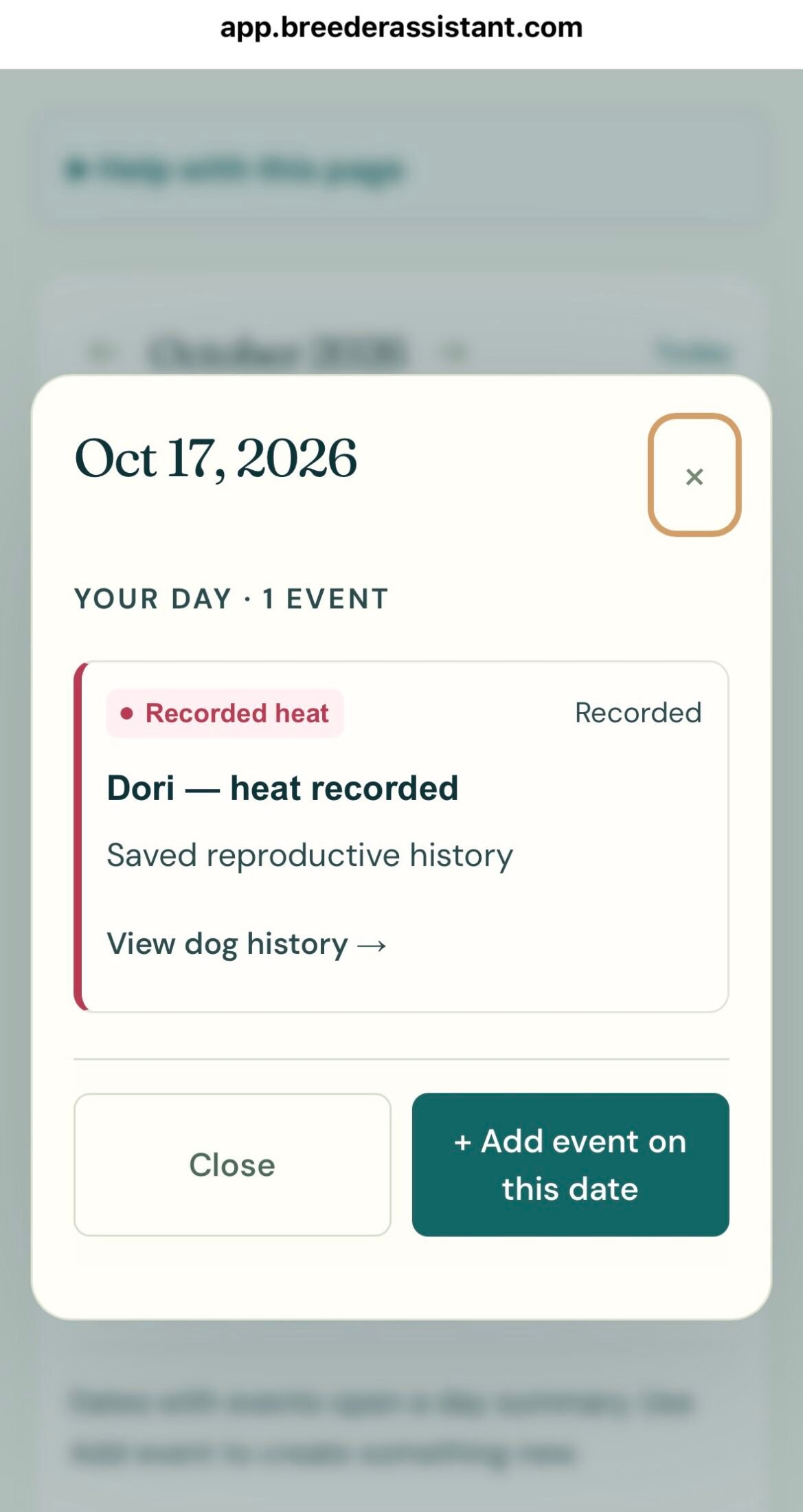
That date tells you to pay attention and review the female’s history.
It doesn’t say she has started heat, and it doesn’t tell you the day to breed.
The calendar brings the dates together while preserving what each one means.
How Breeder Assistant Builds the Calendar
Some calendar entries come from information already in your records. Others are tasks or appointments you add yourself.
That distinction saves you from manually recreating every date while still letting you add the things specific to your routine.
Appointments and Reminders You Enter
Add a title, date, and relevant notes.
Where appropriate, associate the entry with a dog or puppy. A general kennel task can remain separate from an individual animal.
Heat Planning Information
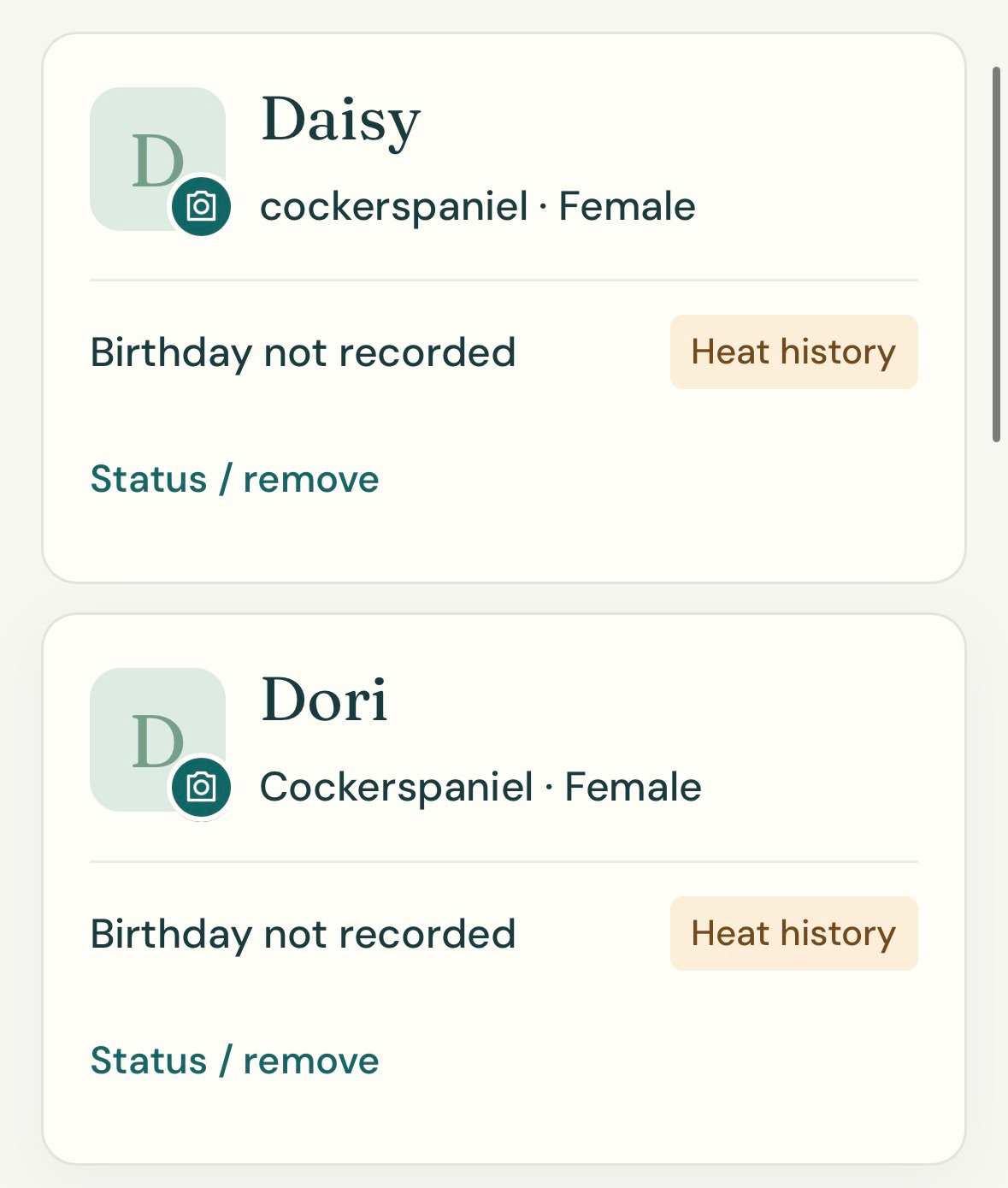
The app can display estimated heats based on available history or an entered planning interval.
Birth-only history can produce a history check-in rather than a predicted heat.
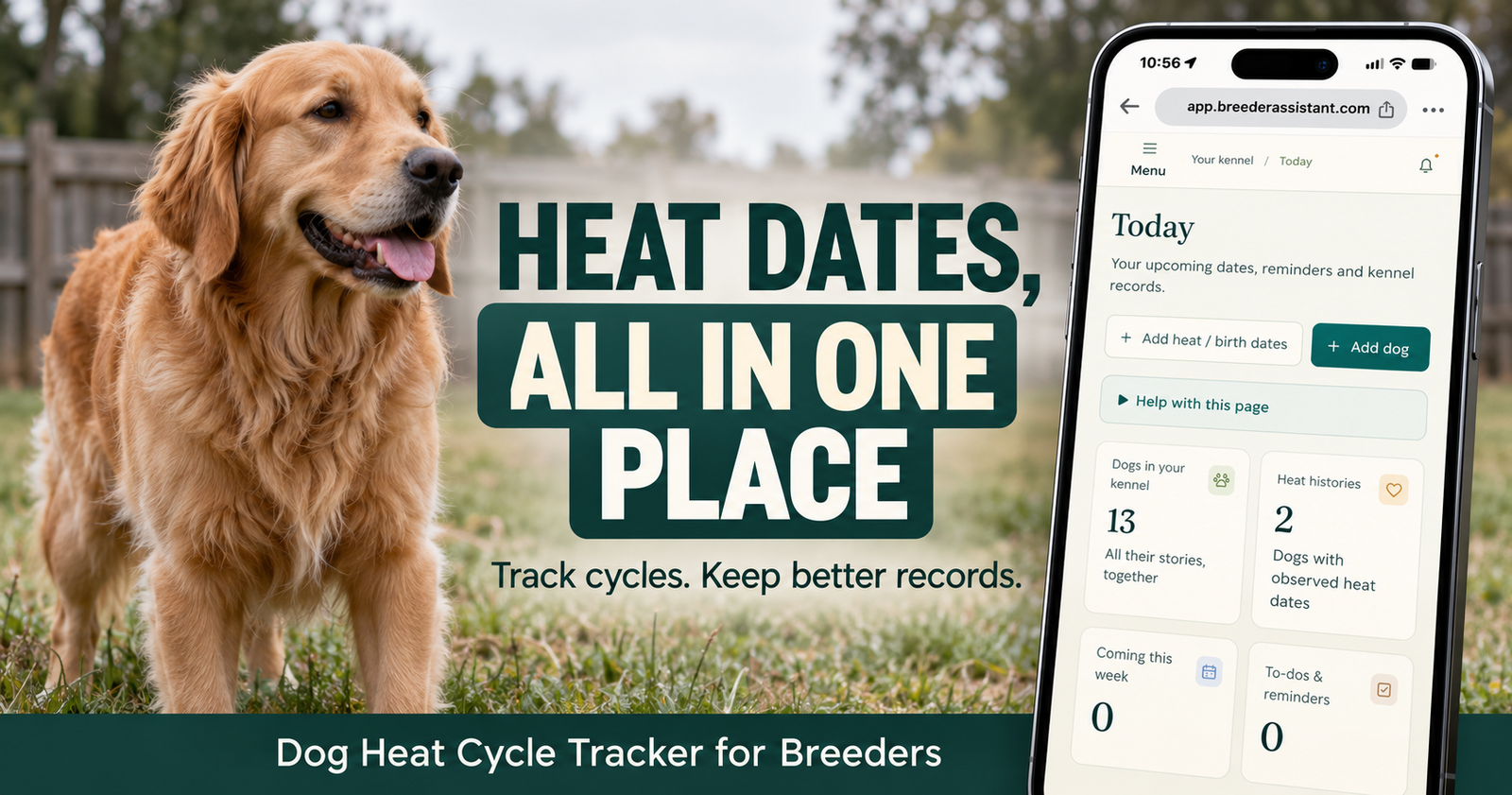
For that part of the workflow, our dog heat cycle tracker page explains how observed dates and planning estimates stay separate.
Planned Puppy Departures
A puppy’s planned go-home date can create a calendar event and reminder.
Record the actual departure when the puppy leaves. That stops the planned go-home reminder from remaining active.
A plan changing shouldn’t leave you with an old reminder that looks current.
Give Reminders Names That Make Sense Later
A reminder title can feel obvious when you write it.
Two weeks later, it may be much less helpful.
Write the Action
“Puppy records” could mean several things.
“Prepare records for Puppy 3’s pickup” tells you what needs doing.
Identify the Dog or Litter
Use consistent names and puppy numbers.
If the appointment belongs to a specific puppy, connect it to that puppy rather than relying entirely on a description in the title.
Keep Background Details in the Notes
The title doesn’t need to contain everything.
Use the notes for instructions, questions to ask, or information to gather.
That keeps the calendar readable while preserving the details.
Set Reminders Before the Work Becomes Urgent
Remembering an appointment on the morning it happens may be enough sometimes.
Other appointments need preparation.
Separate Preparation From Attendance
Suppose the veterinarian asks you to bring a weight history.
The appointment is one entry.
“Gather the litter’s weight records” can be another.
That gives you time to check whether anything is missing.
Make the Lead Time Fit the Task
A paperwork reminder may belong several days before pickup.
A phone call may need to happen earlier because the clinic has limited appointment availability.
Choose the timing around the work involved, rather than using the same reminder interval for everything.
Keep Critical Dates Backed Up
Breeder Assistant provides in-app reminders, with email delivery following your verified notification address and settings.
Check those settings and keep a separate backup for critical care dates.
A reminder helps you follow a plan. It shouldn’t be the only safeguard for something time-sensitive.
Keep the Calendar Connected to the Record
The calendar tells you what is coming.
The record explains the history behind it.
Both are useful.
A Puppy Follow-Up Needs Context
You may want to know why the follow-up was arranged, what was observed, and what the veterinarian previously advised.
Keep that information against the same puppy identity.
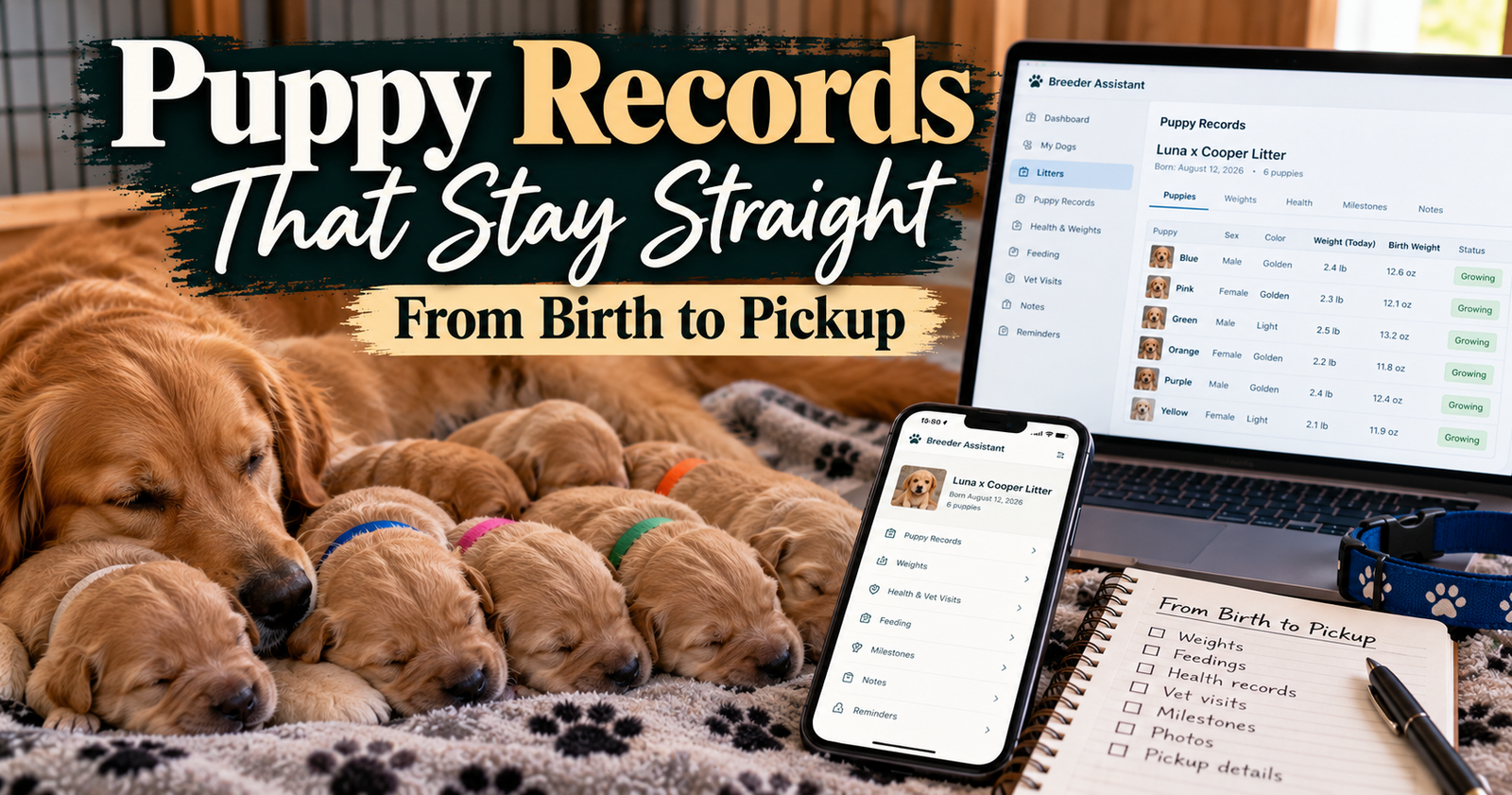
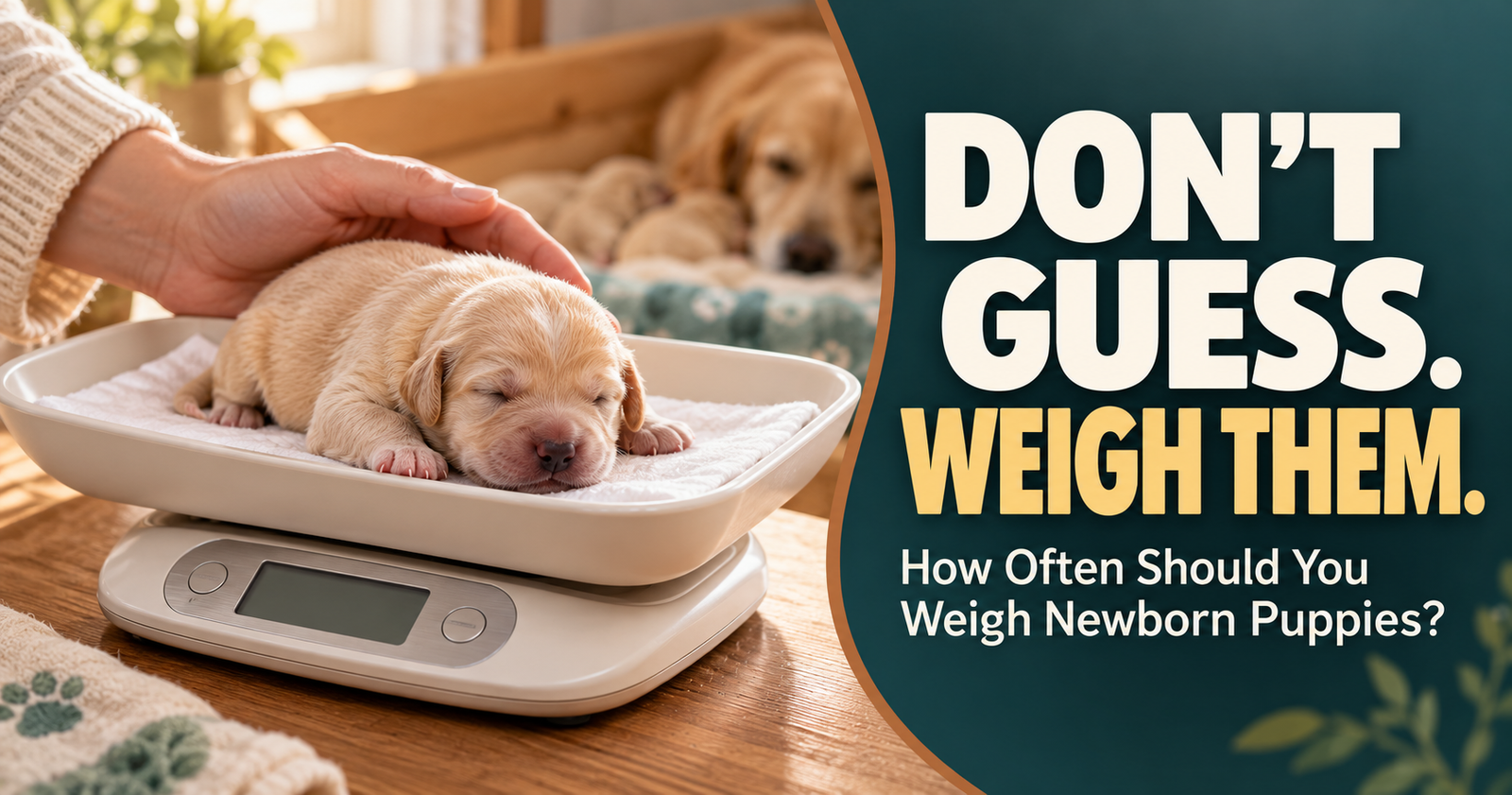
Our guide to tracking puppy weights explains how consistent identification makes those records more useful.
A Completed Reminder Isn’t a Complete Medical Record
Checking off “vet visit” tells you the task is finished.
It doesn’t record the examination findings or treatment instructions.
Add the actual care information to the appropriate history as well.
Keep Planned and Actual Dates Distinct
A planned pickup is not a completed departure.
An estimated heat is not an observed heat.
A reminder to call the vet is not a confirmed appointment.
Those distinctions keep the calendar from becoming a collection of dates you have to interpret all over again.
You Don’t Need to Enter Everything on the First Night
Getting organized can turn into its own overwhelming project if you try to rebuild years of history at once.
Start with what you need next.
Add Your Active Dogs
Use names you recognize and identifying details that prevent confusion.
Build out the rest of each profile as needed.
Add the Current Litter
Record the actual birth date and the individual puppies you need to manage.
Don’t guess at unknown historical information just to fill a field.
Add Confirmed Upcoming Tasks
Begin with booked appointments, known follow-ups, and care tasks already on your list.
Then add planning information where it is useful.
Review the Week Ahead
Look for crowded days, tasks that need preparation, and entries that are no longer accurate.
A short review is more useful than filling a calendar and never opening it again.
A Calendar Can Help With the Six-Week Litter Visit Without Dictating It
One practical use is remembering to arrange an upcoming litter appointment.
If your veterinarian has recommended a particular visit, add it when the date is confirmed.
If it still needs booking, create a reminder to call.
Don’t Let a Milestone Replace Individual Care
A litter reaching a certain age doesn’t mean every puppy needs exactly the same care on exactly the same day.
Follow the clinic’s plan and update the calendar when instructions change.
Newborn Concerns Shouldn’t Wait for a Later Appointment
A puppy struggling now needs attention now.
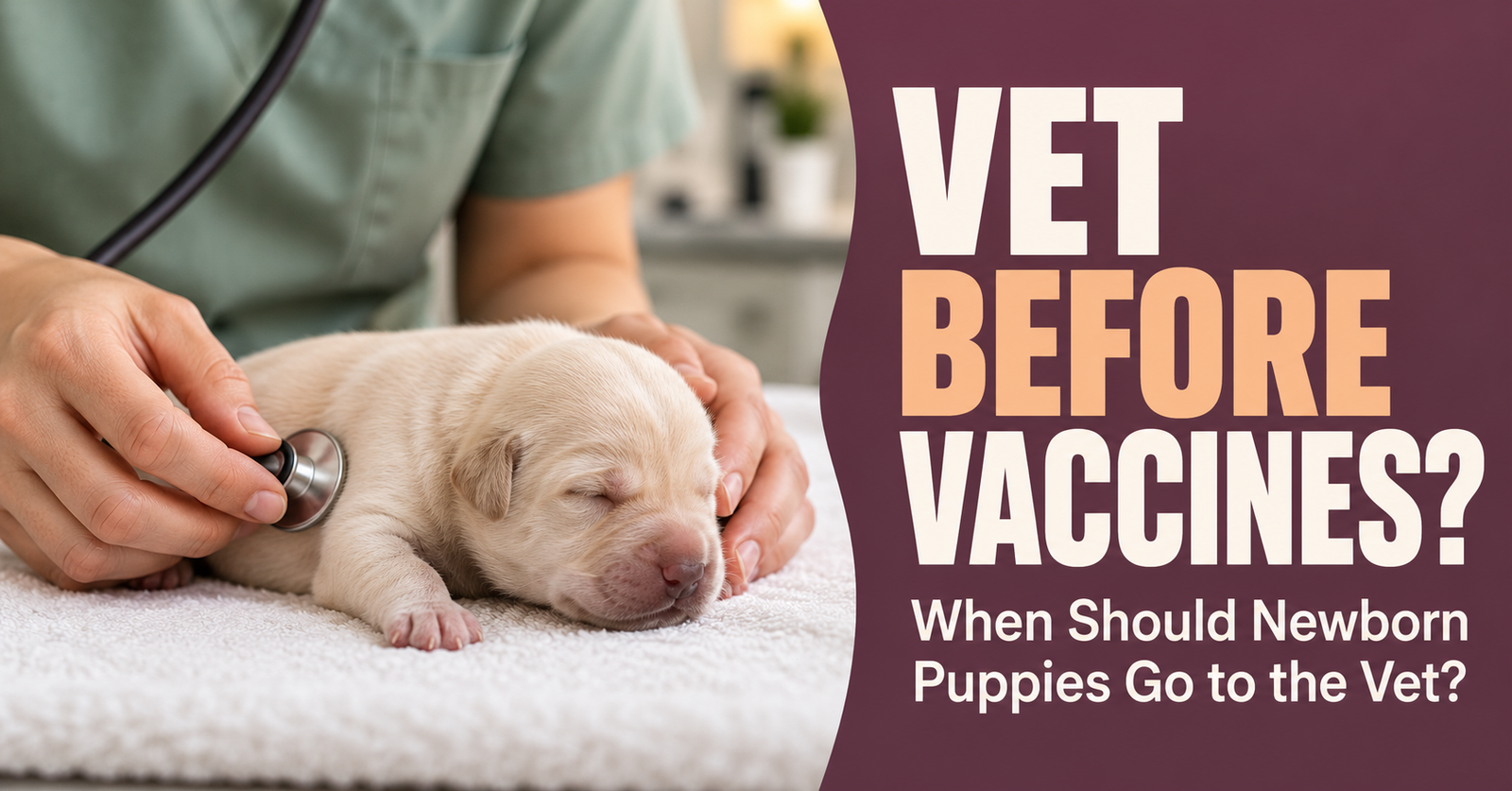
Our guide to newborn veterinary visits explains the difference between an early examination, later wellness care, and urgent help.
The calendar is there to support care, not postpone it.
When a Phone Calendar Starts Feeling Too Scattered
A regular phone calendar can work well for appointments.
The limitation is often everything surrounding the date.
Which litter does it involve? Which puppy needed another check? Where did you put the instructions?
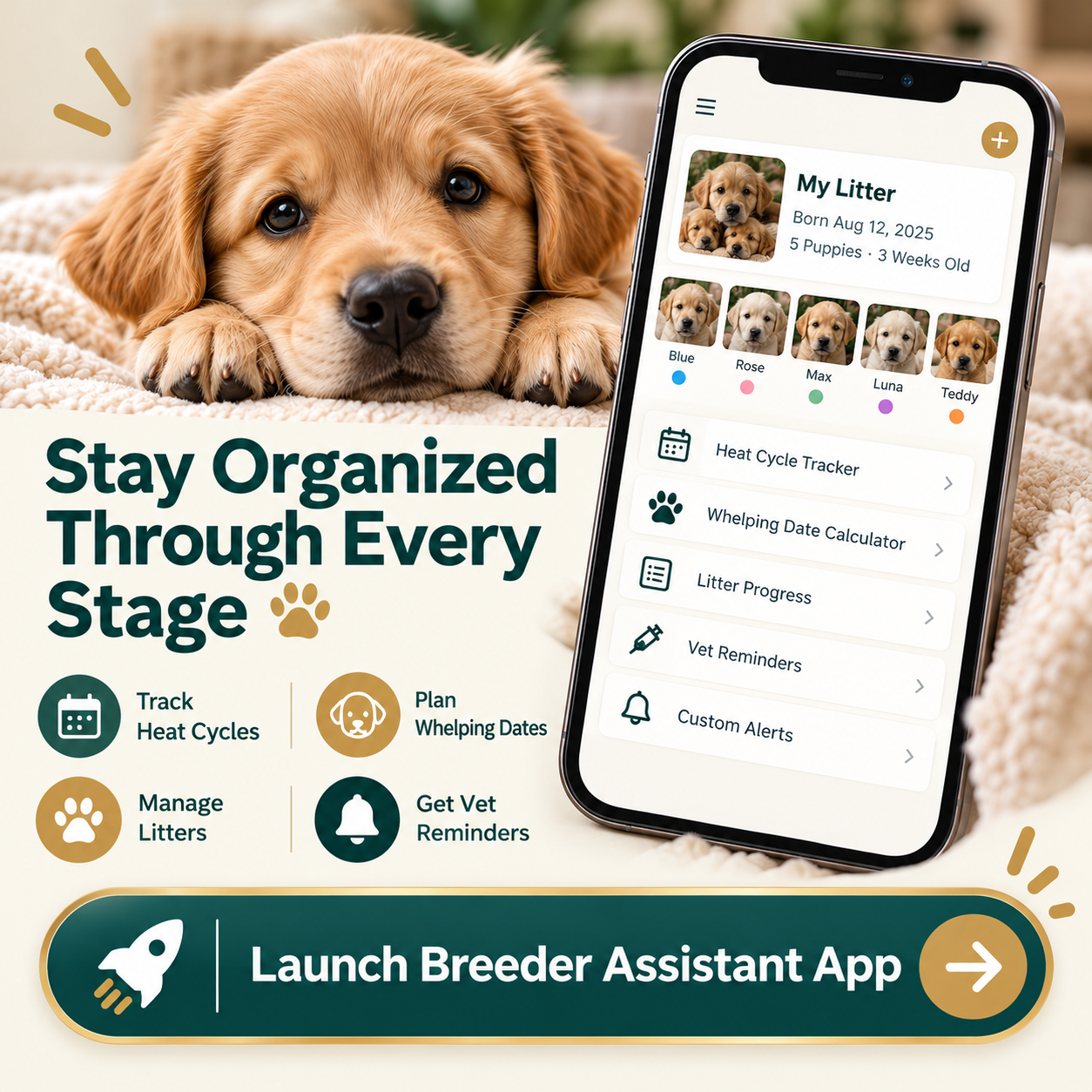
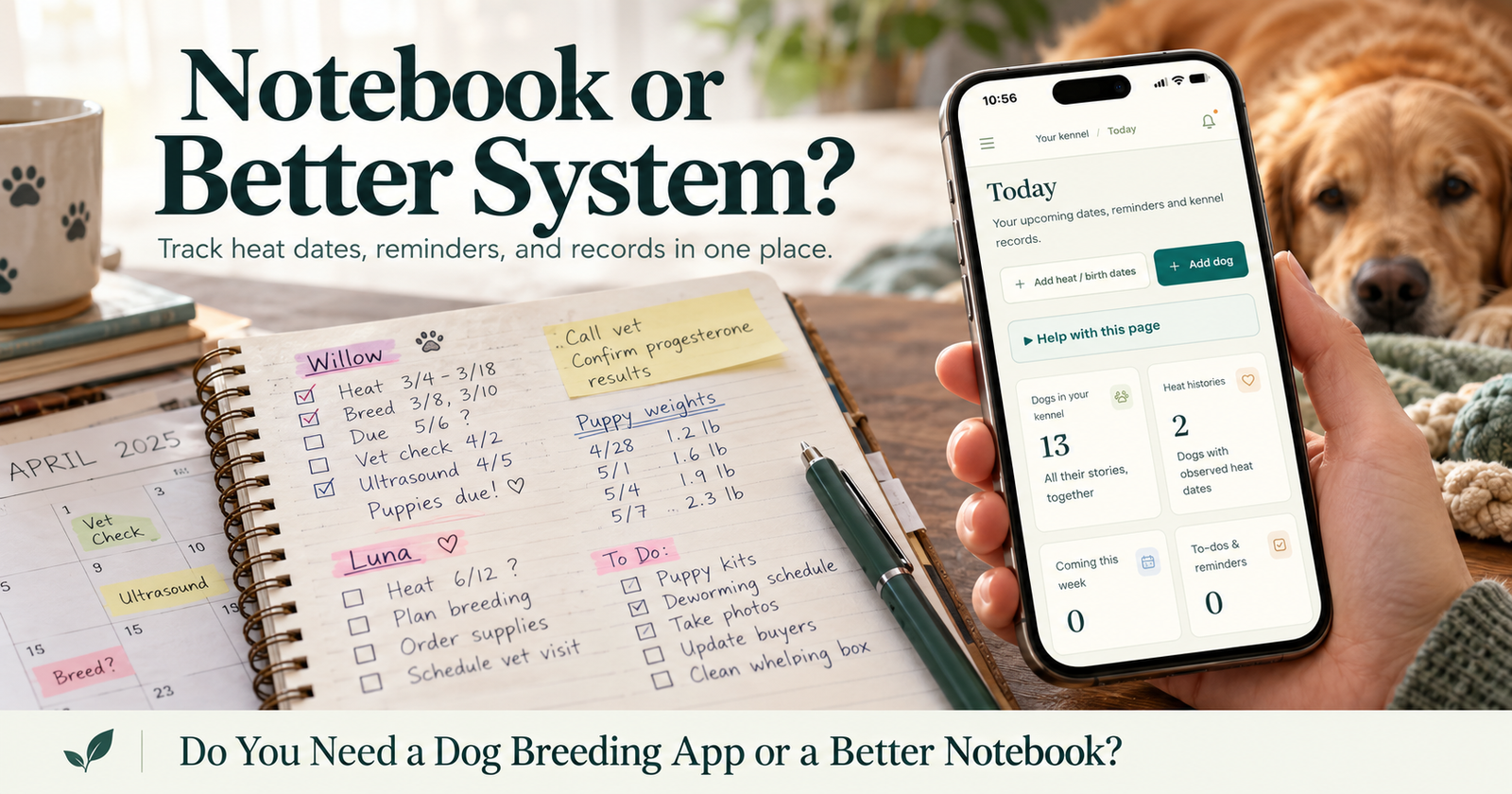
Breeder Assistant connects calendar planning with dog profiles, puppy records, litter information, and notes. That kind of connected workflow is also useful when evaluating a breeder record system before moving away from a notebook or spreadsheet.
See your next steps in the Breeder Assistant app when you’re ready to keep those pieces together.
Start with one dog and one real upcoming task. That gives you a useful place to begin without turning setup into an all-day job.
Questions About Dog Breeding Calendars
Is a dog breeding calendar the same as a pregnancy calculator?
No. A pregnancy calculator estimates dates from the information entered. A management calendar organizes upcoming work across dogs and litters, including appointments, reminders, and planned departures. If your immediate need is a due-date estimate, a calendar view alone won’t answer that question.
Can I add my own reminders?
Yes. Breeder Assistant lets you add tasks and reminders, with an optional connection to a dog or puppy. Use them for the work that belongs to your routine and veterinary care plan.
Does the app send email reminders?
Email reminders follow your settings after you verify the notification address. Review the categories and delivery preferences you want enabled. In-app reminders are available when you sign in.
Can I use it with several litters?
You can record litters and individual puppies, then connect relevant appointments and reminders to those puppies. Use clear litter names and consistent puppy identities so similar tasks remain easy to distinguish.
What happens when a pickup date changes?
Update the puppy’s planned go-home date. When the puppy actually leaves, record the actual departure so the old planned reminder no longer remains active.
Does an estimated heat mean I should schedule breeding?
No. An estimate helps you look ahead and review the dog’s history. It does not confirm fertility or replace veterinary reproductive guidance.
Written by Breeder Assistant, sharing practical guidance from a licensed dog breeder with many years of experience and 14 dogs total in a small breeding program.