

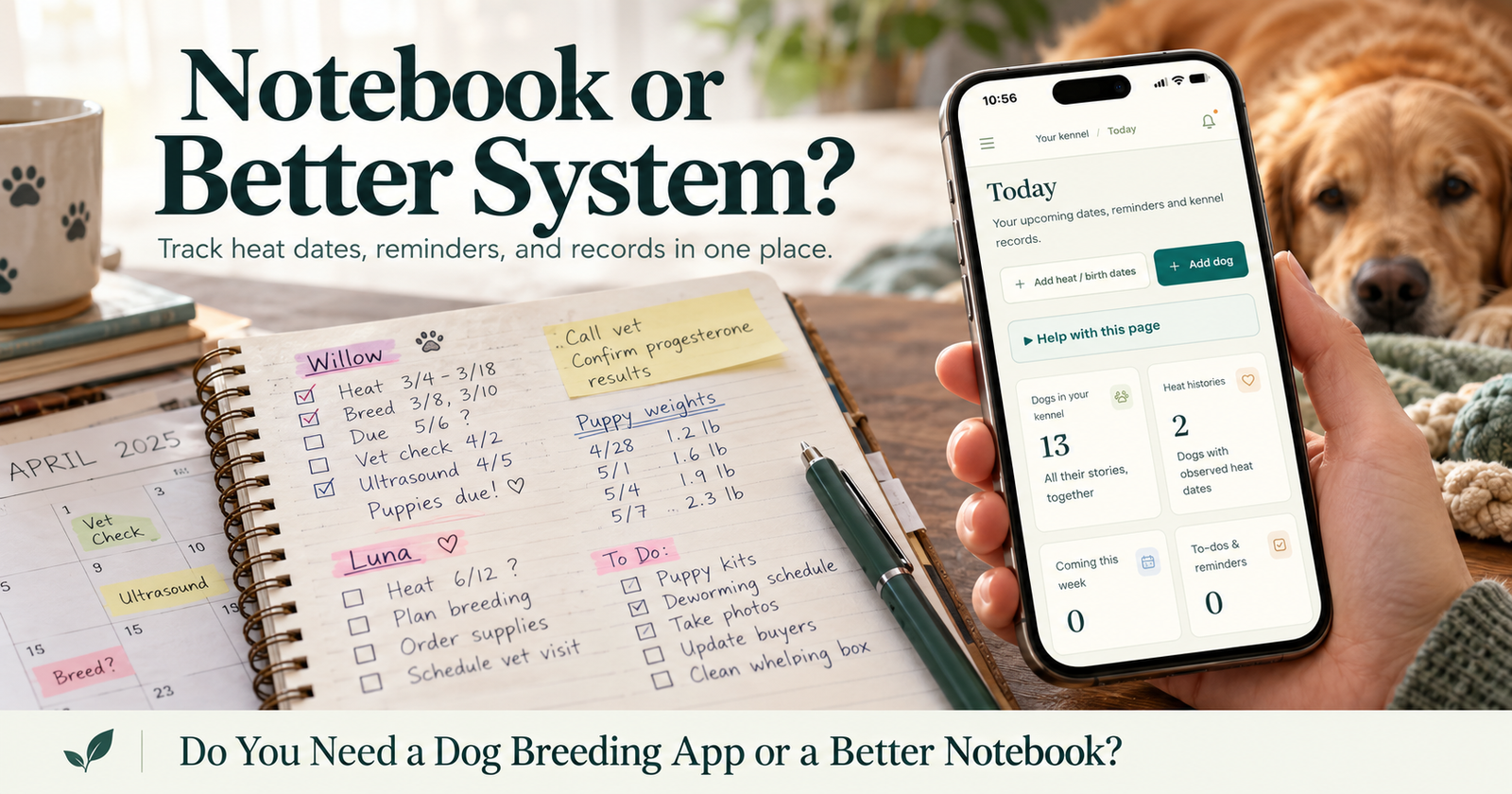
A dog breeding app becomes useful when keeping track of the information takes more effort than recording it. If you’re searching through messages for a puppy’s details, checking several places for appointments, or trying to remember which female started heat when, a connected system can help.
But you don’t need software simply because you have puppies.
A notebook can work. A spreadsheet can work. The question is whether your current method still gives you the right information when you need it.
I’m a licensed breeder with 14 dogs total and many years of experience. My standard for a breeder tool is practical: does it make everyday care and recordkeeping easier, or does it become another job?
Start With the Problem You Want to Fix
Before comparing apps, identify what is actually frustrating you.
“Get organized” is a big goal. It doesn’t tell you which feature you need.
Try something more specific.
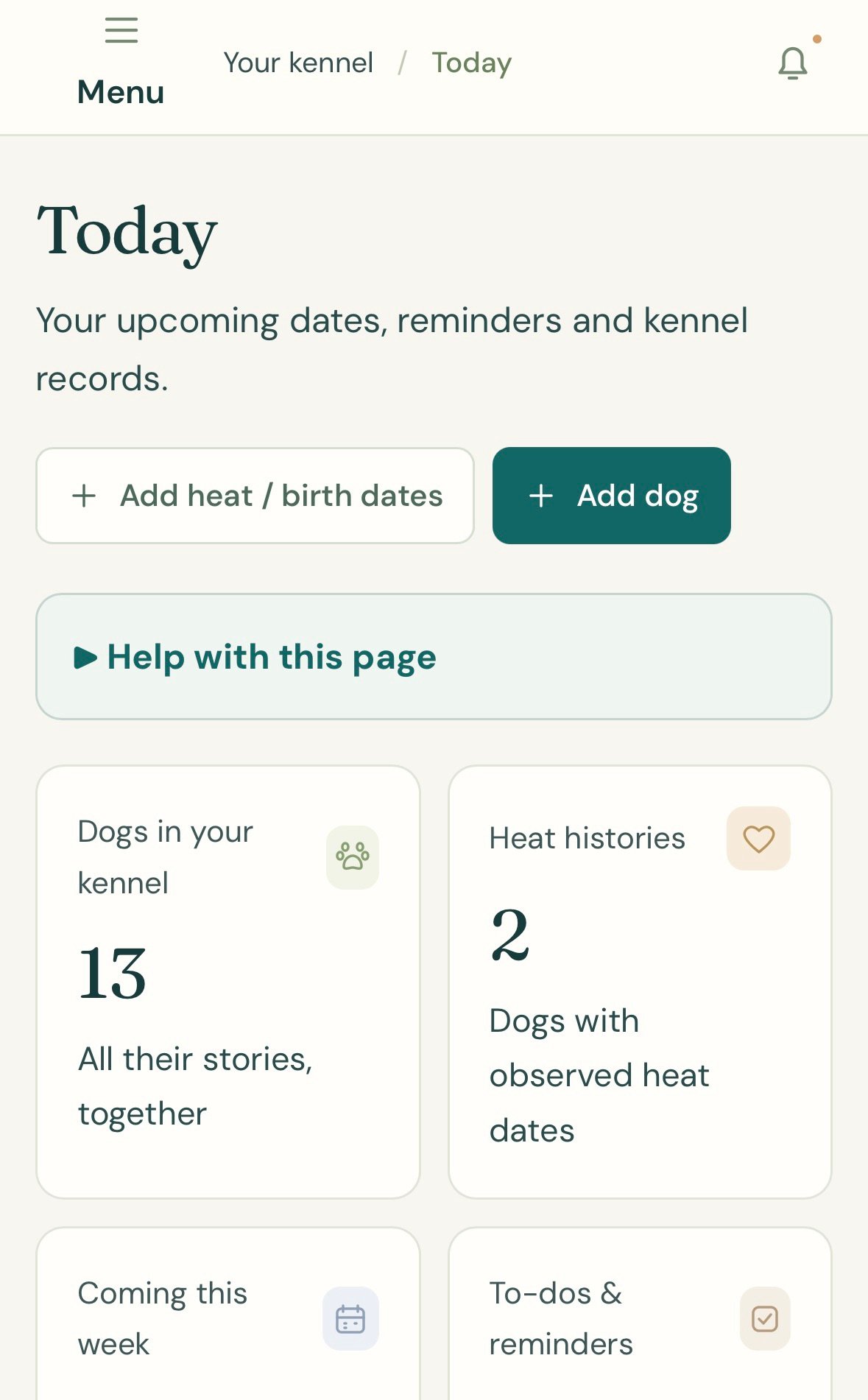
“I Can’t Find Her Previous Heat Dates”
You need an individual reproductive history that stays with the dog.
A general calendar entry may tell you a date, but it may not show the older observations or explain whether the date was estimated.
“The Puppy Details Are in Too Many Places”
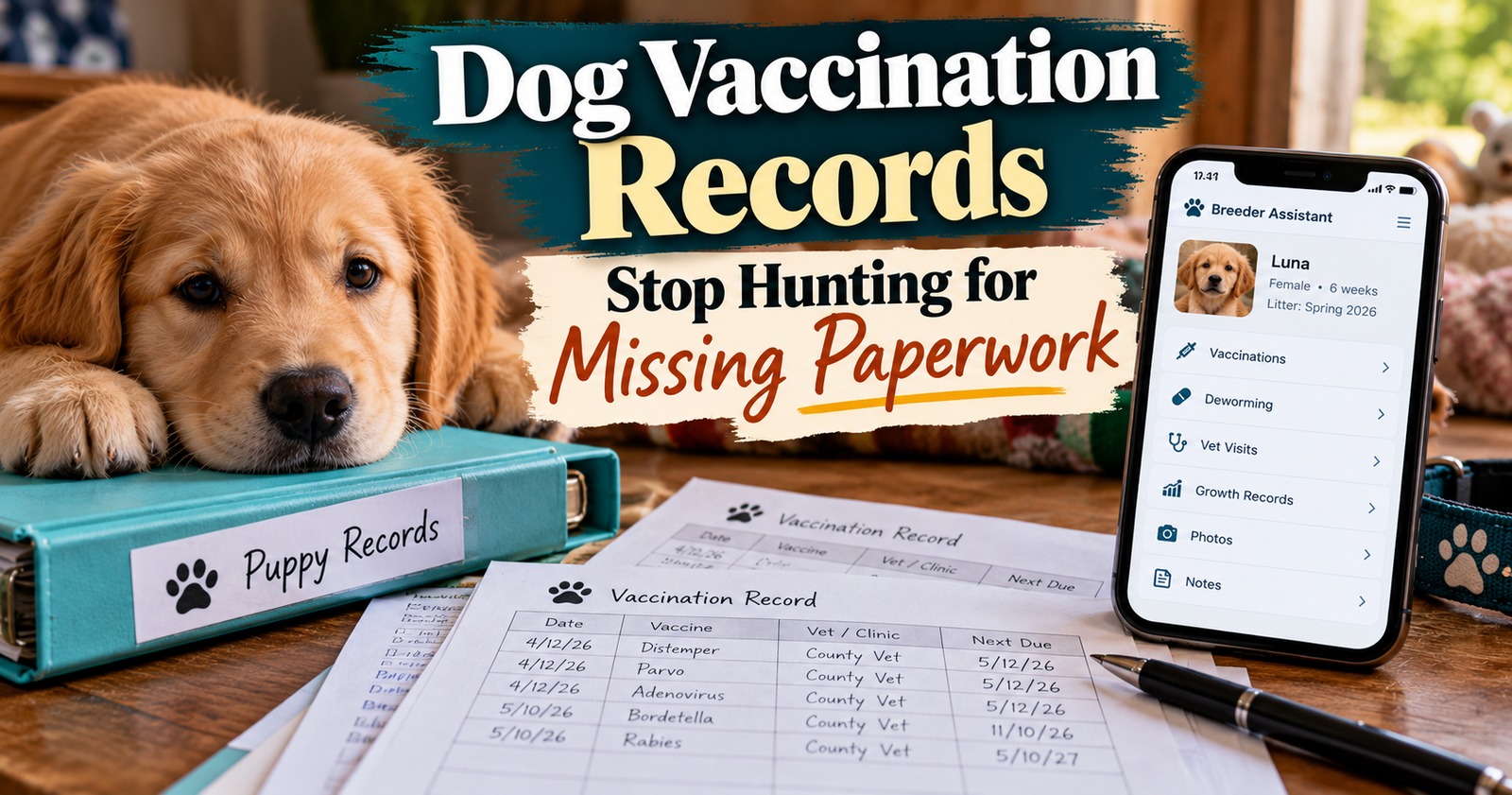
You need a clear connection between the litter, individual puppy, care notes, and eventual new owner. That connection should also include vaccination records for each puppy, so the puppy’s care history remains documented when it goes home.
A buyer’s text thread shouldn’t become the only place you can find that puppy’s information.
“I Remember the Appointment but Forget the Preparation”
You need a task or reminder before the appointment itself.
The visit and the work needed beforehand belong on your schedule separately.
“Someone Else Helps, and We Keep Asking Each Other”
You need records that another person can understand without reconstructing the story.
That might mean clearer notes before it means different software.
Choose the tool around the recurring problem.
When a Notebook May Be Enough
I wouldn’t tell a breeder to abandon a system that is working.
A notebook can be straightforward, inexpensive, and easy to use beside the litter.
Your Information Is Easy to Find
You have a clear section for each dog or litter.
Dates are labeled, puppy identities stay consistent, and you can locate the right page quickly.
Your Reminder Routine Works
You already have a dependable way to manage appointments and follow-ups.
Writing something down and remembering to act on it are separate tasks, but your system handles both.
You Keep Supporting Documents Organized
Veterinary paperwork and identification documents have a predictable home.
The notebook points you toward them rather than becoming a substitute for the originals.
If all of that works comfortably, there may be no immediate reason to change.
When an App Starts Making More Sense
The value grows when the same information needs to connect across several parts of your routine.
Several Dogs Have Different Histories
One female’s pattern shouldn’t be confused with another’s.
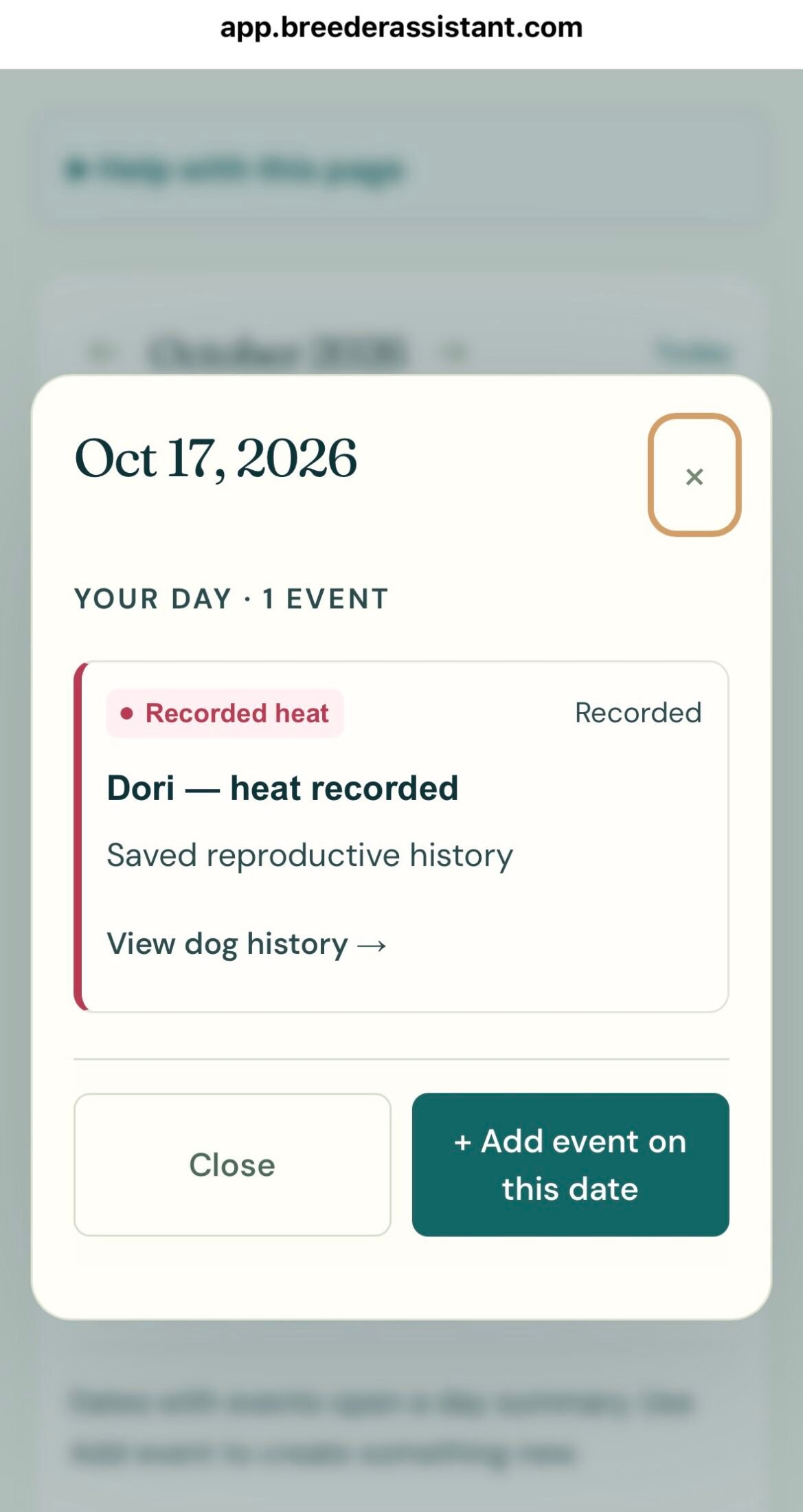
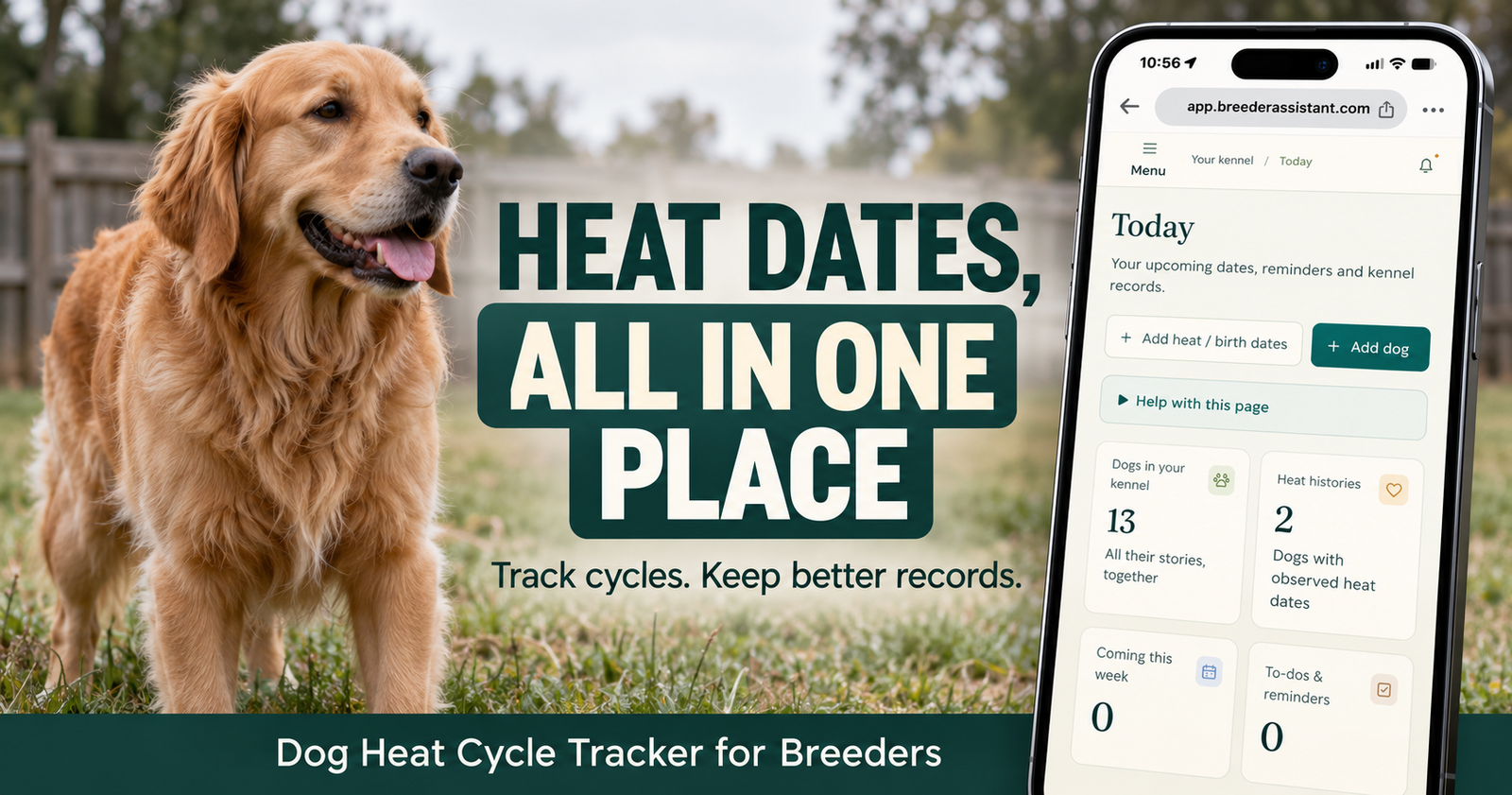
Breeder Assistant keeps observed heat information tied to the individual dog, with planning estimates labeled separately.
Our dog heat cycle tracker guide shows that part of the workflow in detail.
A Litter Creates Individual Records
The litter has a birth date and parents.
Each puppy also has its own identifying details, appointments, notes, and placement information.
An app can keep those connections visible without asking you to build a spreadsheet relationship yourself.
Dates Need Action
An appointment, a call to make, and a planned pickup can all involve the same puppy.
Keeping them connected reduces the amount of information you have to repeat.
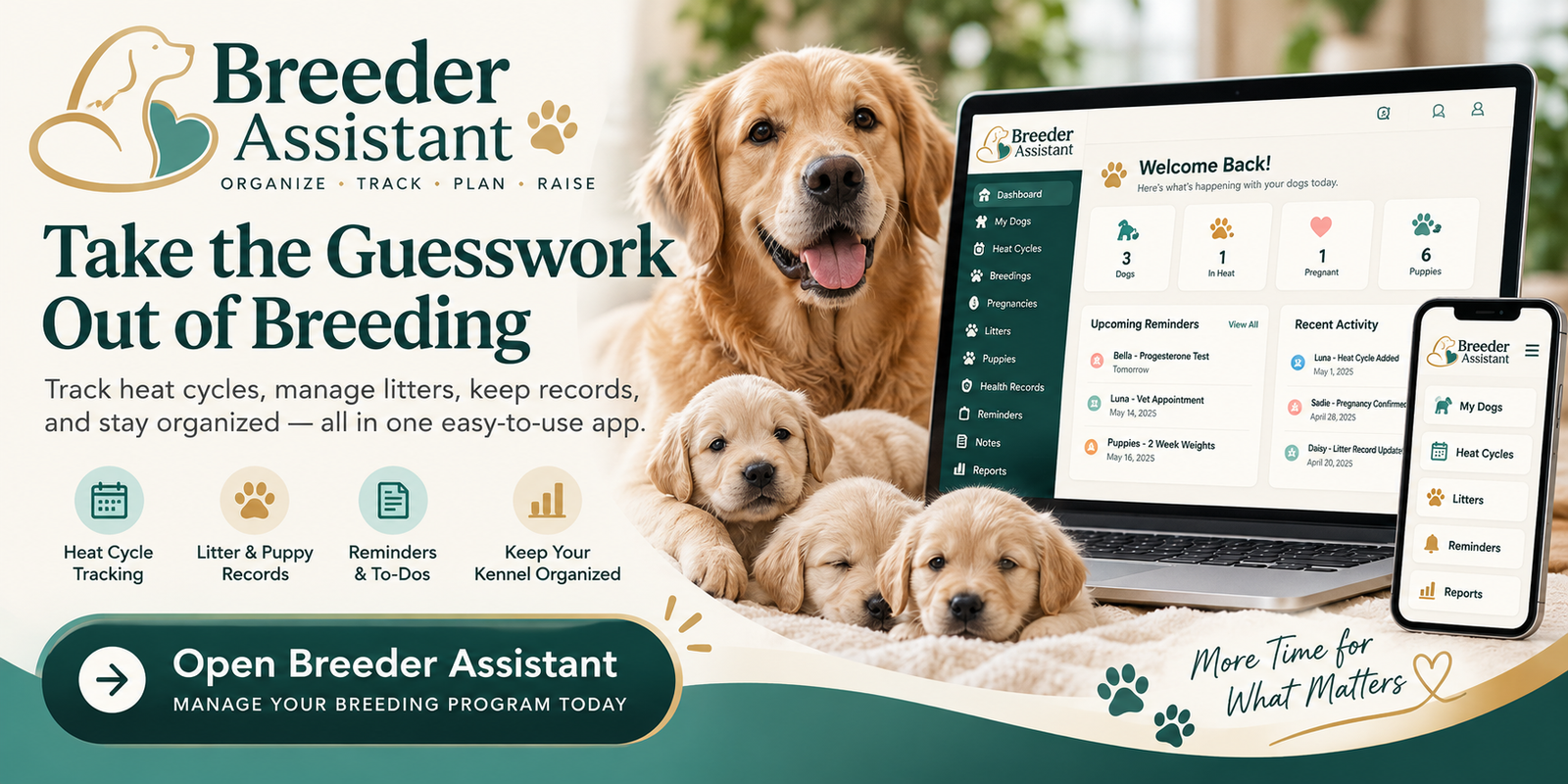
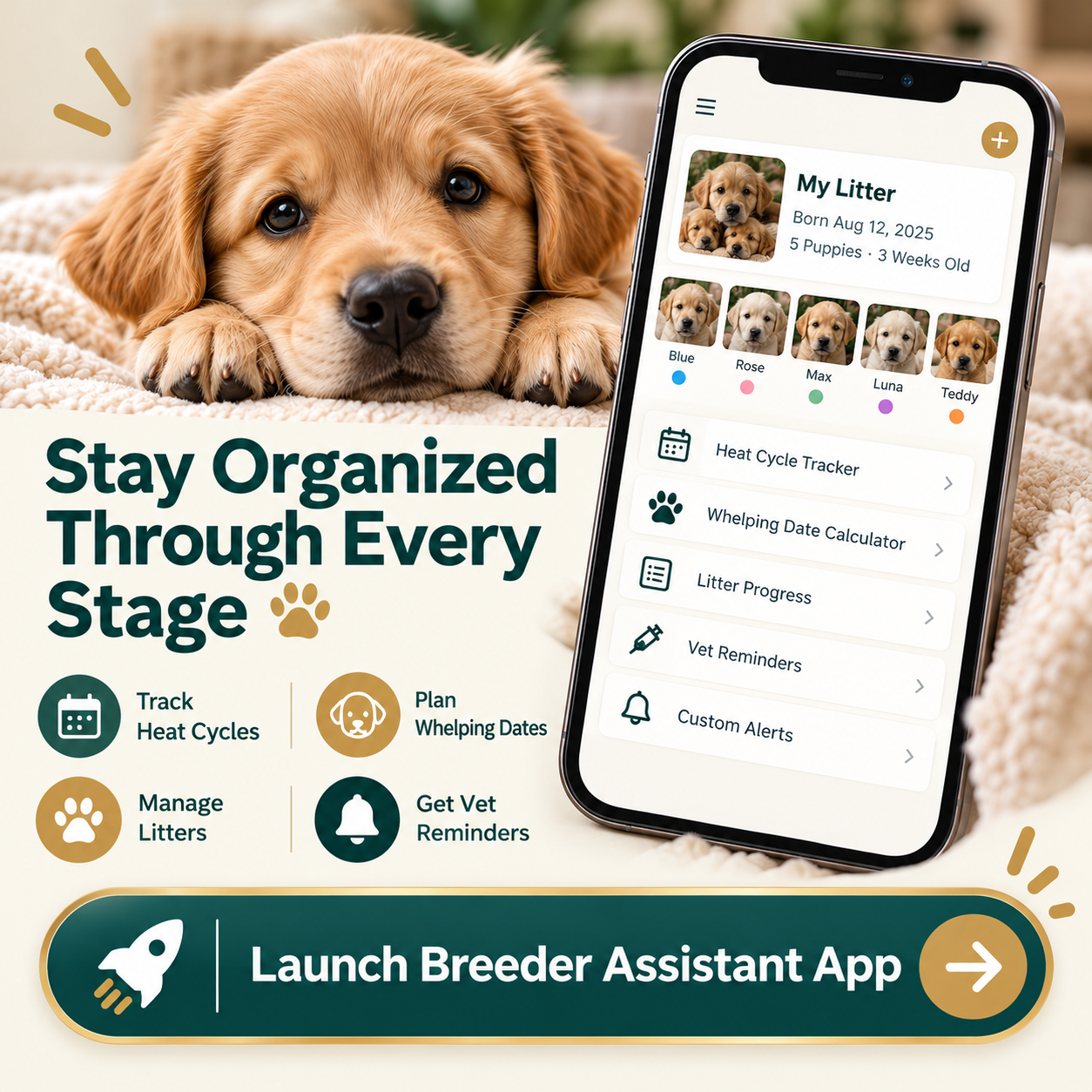
Breeder Assistant brings dogs, litters, puppy details, and reminders into one workspace for breeders who want those pieces together.
Test a Breeding App With One Real Task
A long feature list is easy to admire.
A real task tells you more.
Before moving your entire history, try the workflow that currently gives you trouble.
Test 1: Find One Female’s History
Create her profile and add reliable dates.
Then return to it as though you were checking the information a month later.
Can you tell an observed heat from an estimate? Can you recognize an approximate date?
Test 2: Identify One Puppy Clearly
Add a litter and one puppy.
Record the puppy number, sex, markings, and any relevant identification details.
Could someone distinguish that puppy from its siblings using the record?
Test 3: Add an Appointment and Preparation Task
Create an appointment for the correct animal.
Then add the separate task needed before it.
You should be able to tell which entry is the booked visit and which is still work to do.
Test 4: Change a Plan
Move a planned go-home date.
Check that the information now reflects the new arrangement.
A useful app should handle an ordinary change without leaving you unsure which date is current.
What Breeder Assistant Can Help You Organize
Breeder Assistant is our own app, so I want to be clear about what you’re evaluating.
It is a place to connect breeder records and upcoming responsibilities.
Dog Profiles
Keep identifying information and relevant history with each dog.
Build the record out as you need it rather than trying to complete every optional detail at once.
Heat History and Planning
Record known heat starts and review planning estimates.
Birth-only history can support a history check-in rather than pretending a litter’s birthday predicts the next heat.
Litters and Individual Puppies
Connect puppies to their litter.
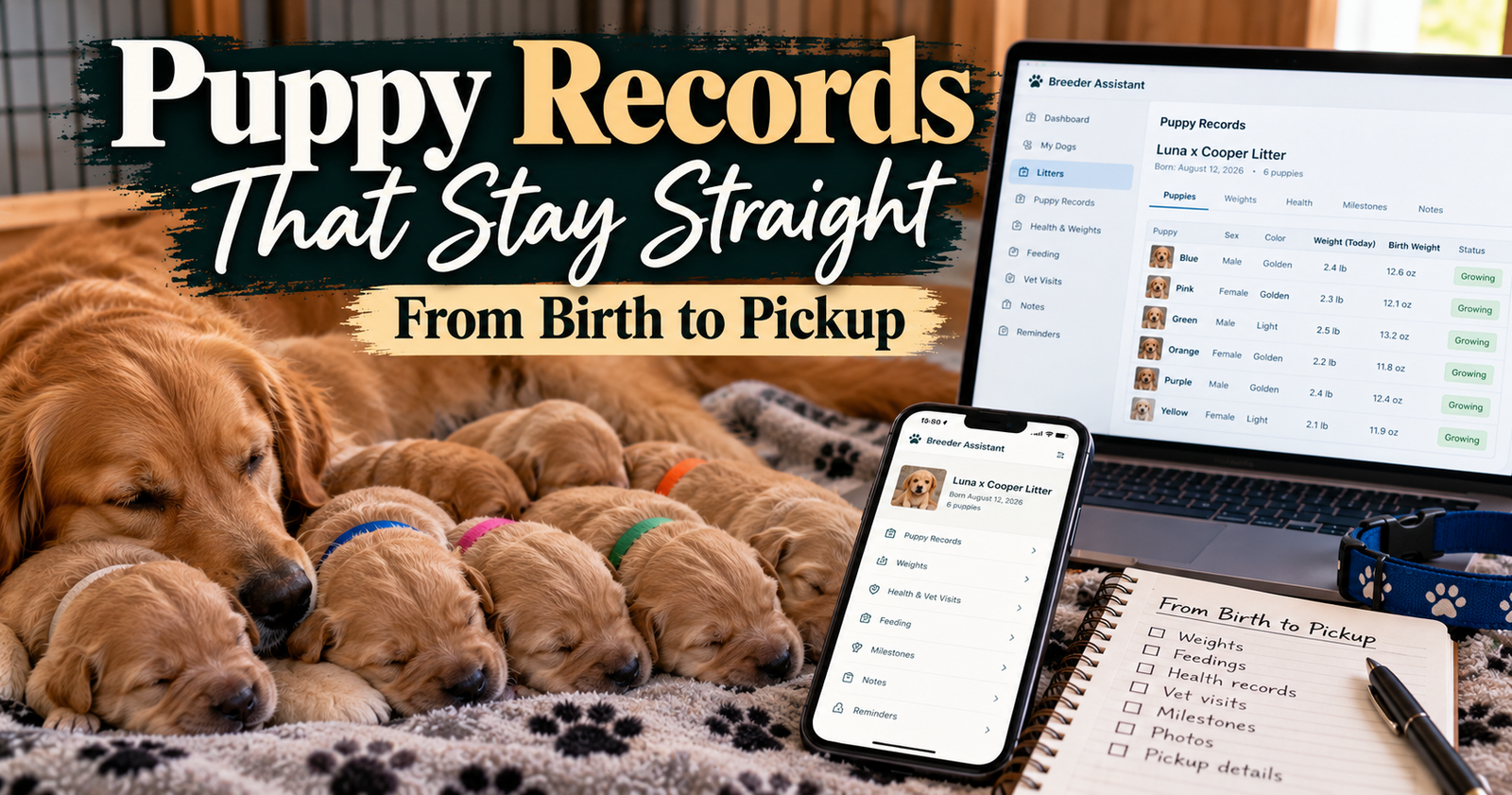
Keep puppy numbers, markings, relevant identifiers, notes, and buyer contact information organized.
Appointments and Reminders
Add tasks and appointments, with an optional connection to the relevant dog or puppy.
Email reminders follow your preferences after the notification address is verified.
Planned and Actual Departures
A puppy’s planned go-home date and actual departure are separate.
That lets the record show what really happened when arrangements change.
Our puppy-records guide explains why those distinctions matter from birth through pickup.
Don’t Buy Based on a Feature Name Alone
Two apps can both say “records” while handling them differently.
Look at the actual workflow.
“Reminders” Needs an Explanation
Are they inside the app, emailed, or delivered another way?
Do you need to verify an address or enable a category?
Set up and check the delivery method you intend to use. Keep a separate backup for critical dates.
“Heat Prediction” Needs Context
What information supports the estimate?
Does the app distinguish a forecast from an observed event?
A calendar date doesn’t confirm ovulation or tell you that breeding is appropriate.
“Puppy Records” Should Mean Individual Puppies
A litter note alone isn’t an individual history.
Check whether you can identify each puppy and keep its information separate.
“Export” Deserves a Look
Find out what you can take out of the system and how.
Check how uploaded documents are handled, too. Exporting a list of records and downloading attachments may be separate processes.
Price Matters, but So Does What You’ll Actually Use
Small breeding programs don’t have unlimited money to spend on subscriptions.
I wouldn’t judge an app only by the number of features advertised.
Identify the Features You Need Regularly
Perhaps your main needs are heat records, litter identities, and appointments.
A large collection of unrelated tools may add little value to your day.
Read the Plan Limits
Check dog limits, editing access, storage terms where applicable, and what happens when your needs change.
Don’t assume every plan includes everything.
Check the Current Terms Before Paying
Review the price shown at checkout and the membership and cancellation terms.
Don’t rely on an old screenshot, an article’s quoted price, or a remembered offer.
Be Honest About the Benefit
If your current method is dependable and easy, software may offer convenience rather than a necessity.
If information is repeatedly scattered, the benefit may be much more noticeable.
Avoid Turning Setup Into a Weekend of Data Entry
You don’t need to reconstruct every litter you have ever raised before getting started.
Begin with your current responsibilities.
Add Active Dogs First
Enter accurate identifying information.
Add older history when you have reliable records available.
Add the Current Litter
Use a consistent puppy-number system from the beginning.
Don’t fill missing fields with guesses.
Add the Next Known Dates
Start with confirmed appointments and tasks already on your list.
Then build out other reminders as needed.
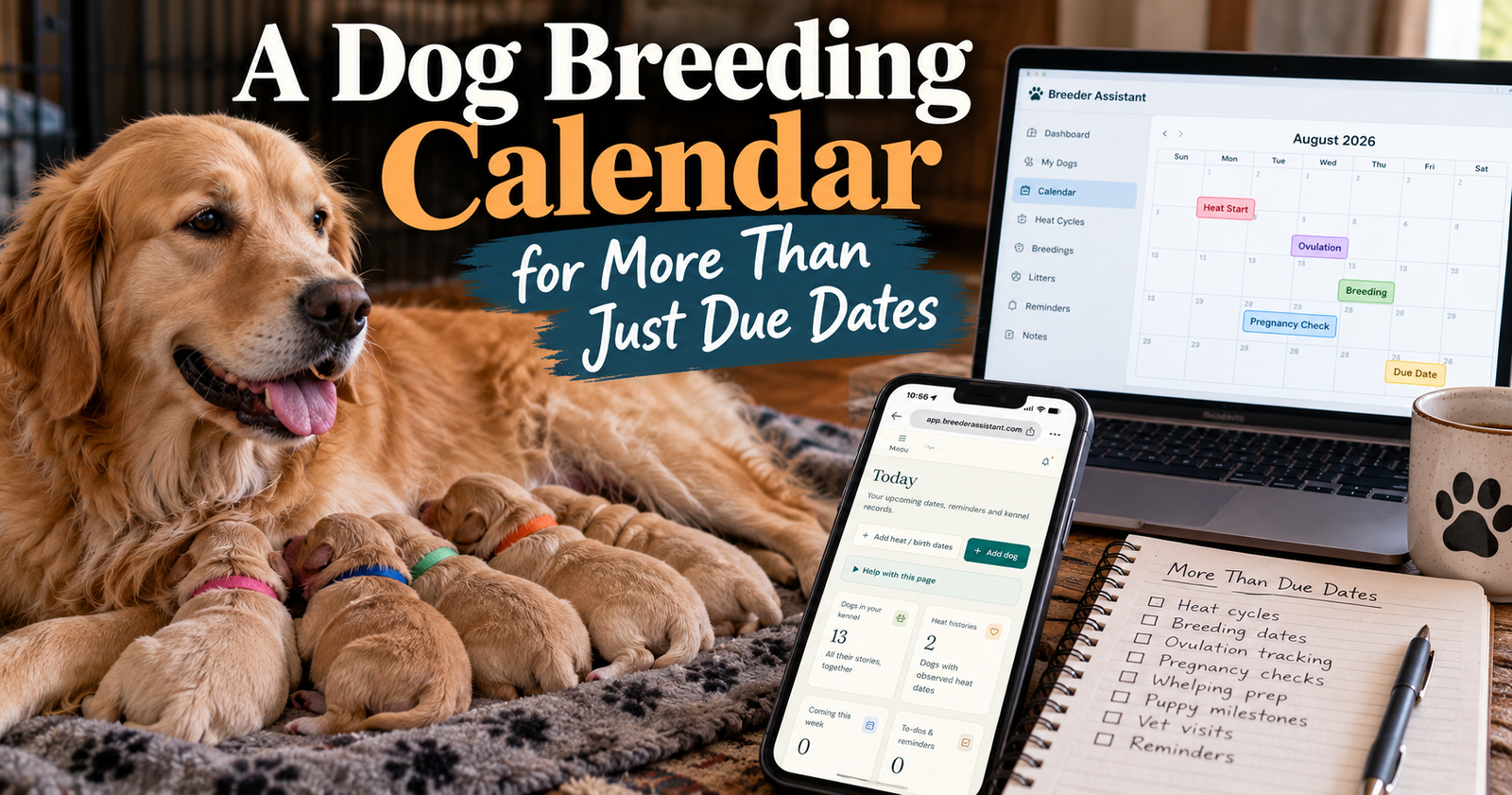
Our breeding calendar article gives a practical example of separating appointments, preparation tasks, and estimates.
Keep Care Ahead of the Screen
This is my biggest qualification to any breeder software recommendation.
The record should support what you observe.
It shouldn’t distract you from the dogs.
From my experience, puppies getting their milk, staying warm, and resting safely come first. If one is struggling, entering a detailed note can wait until necessary help is underway.
The same principle applies later.
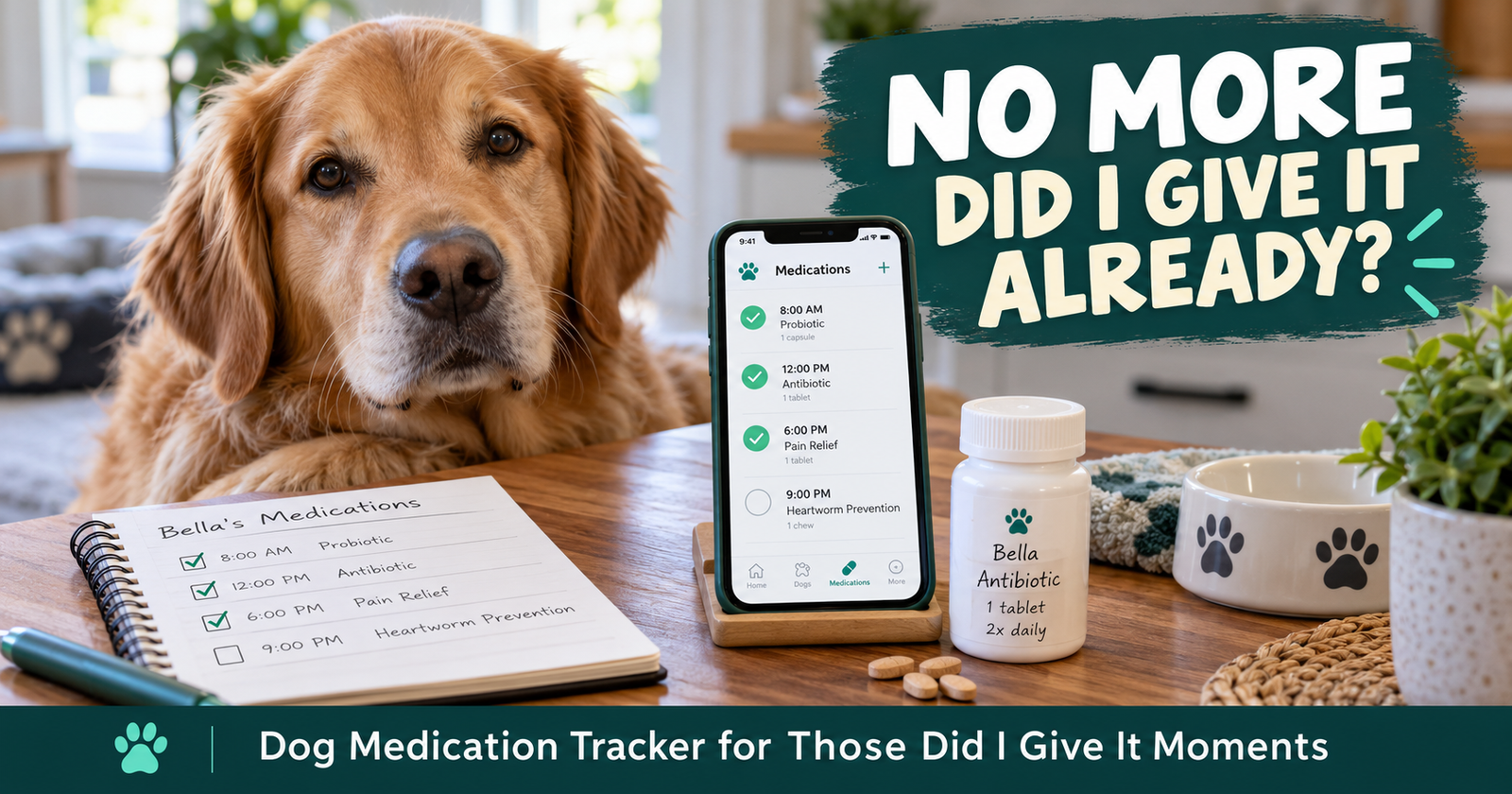
A reminder doesn’t replace checking the animal. An estimate doesn’t override what you see. A completed task doesn’t prove the medical record is accurate. For medication, tracking completed medication care can help separate a reminder from a reliable record of what actually happened.
Good information helps you care for dogs. It doesn’t do the caring for you.
Questions About Choosing a Dog Breeding App
Is a breeding app worth using for one litter?
It can be, particularly when several puppies have different records and arrangements. But a clear notebook and reminder system may be enough for your needs. Evaluate the work you want help with rather than the litter count alone.
Is a spreadsheet just as good?
A spreadsheet can work very well if you’re comfortable maintaining it. An app becomes appealing when you want profiles, related records, and reminders connected without building and managing those connections yourself.
Is Breeder Assistant a place to find a stud dog?
This guide covers its recordkeeping and planning functions. Don’t choose it expecting a mating marketplace or a guarantee of finding a breeding partner.
Do I have to enter old litters before starting?
No. Start with the dogs, puppies, and upcoming work you currently need to manage. Add accurate older information when useful.
Where can I look at the app?
You can open Breeder Assistant and review the available access options. Start by considering one real task you want to organize, then decide whether the workflow fits your program.
Written by Breeder Assistant, sharing practical guidance from a licensed dog breeder with many years of experience and 14 dogs total in a small breeding program.