

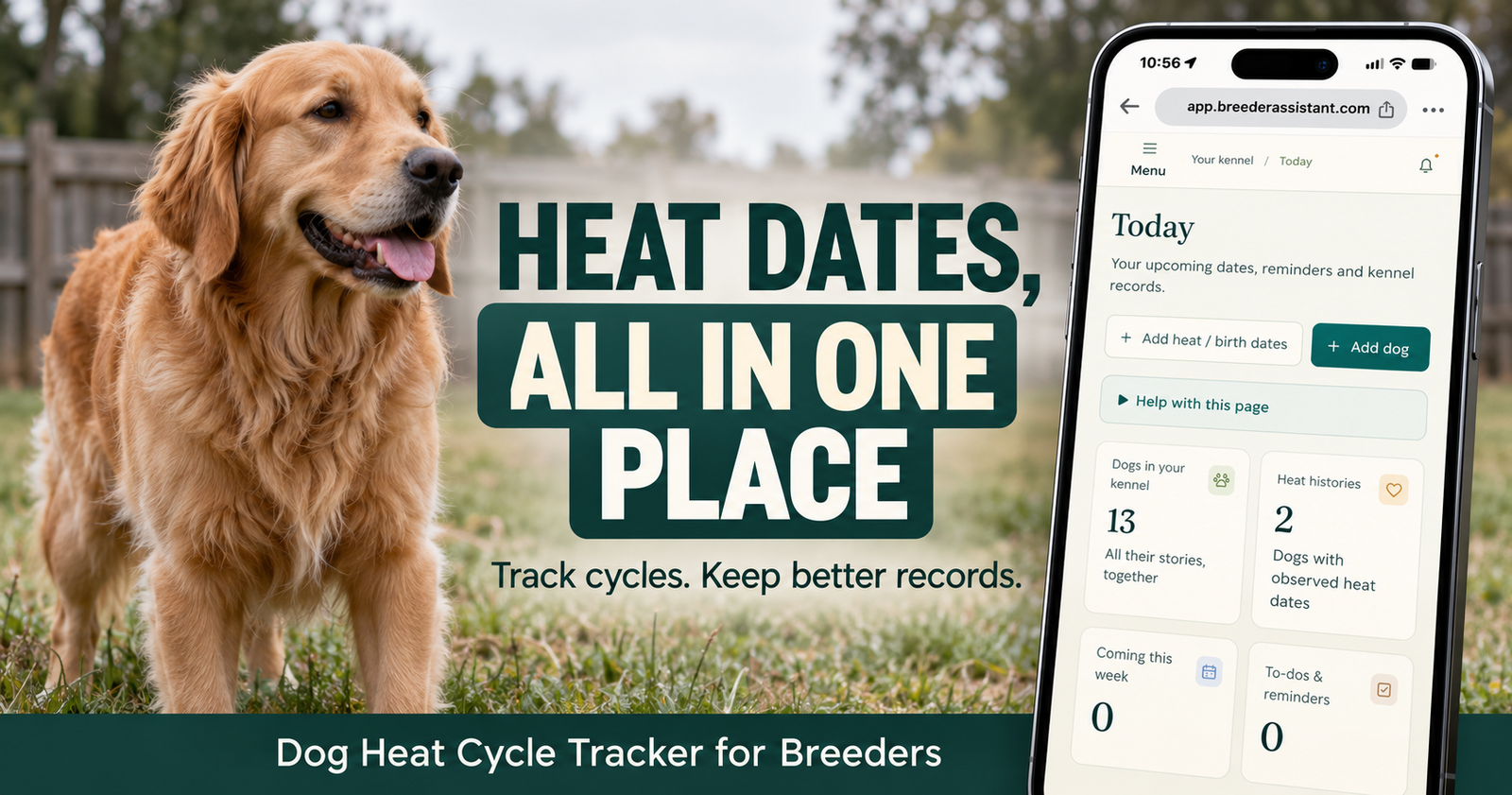
Keep each female’s heat dates, reproductive history, and next planning date together with Breeder Assistant’s dog heat cycle tracker. Record what you observe, review previous cycles, and see which dogs may need your attention next.
One female might be straightforward to remember. Several females, different cycle patterns, and an old date you’re only partly sure about can make things more complicated.
I’m a licensed dog breeder with 14 dogs total and many years of experience. I want records that help with everyday decisions without pretending every dog follows the same schedule.
That’s the approach behind Breeder Assistant: keep the actual history clear, make planning easier, and leave room for animals to be animals.
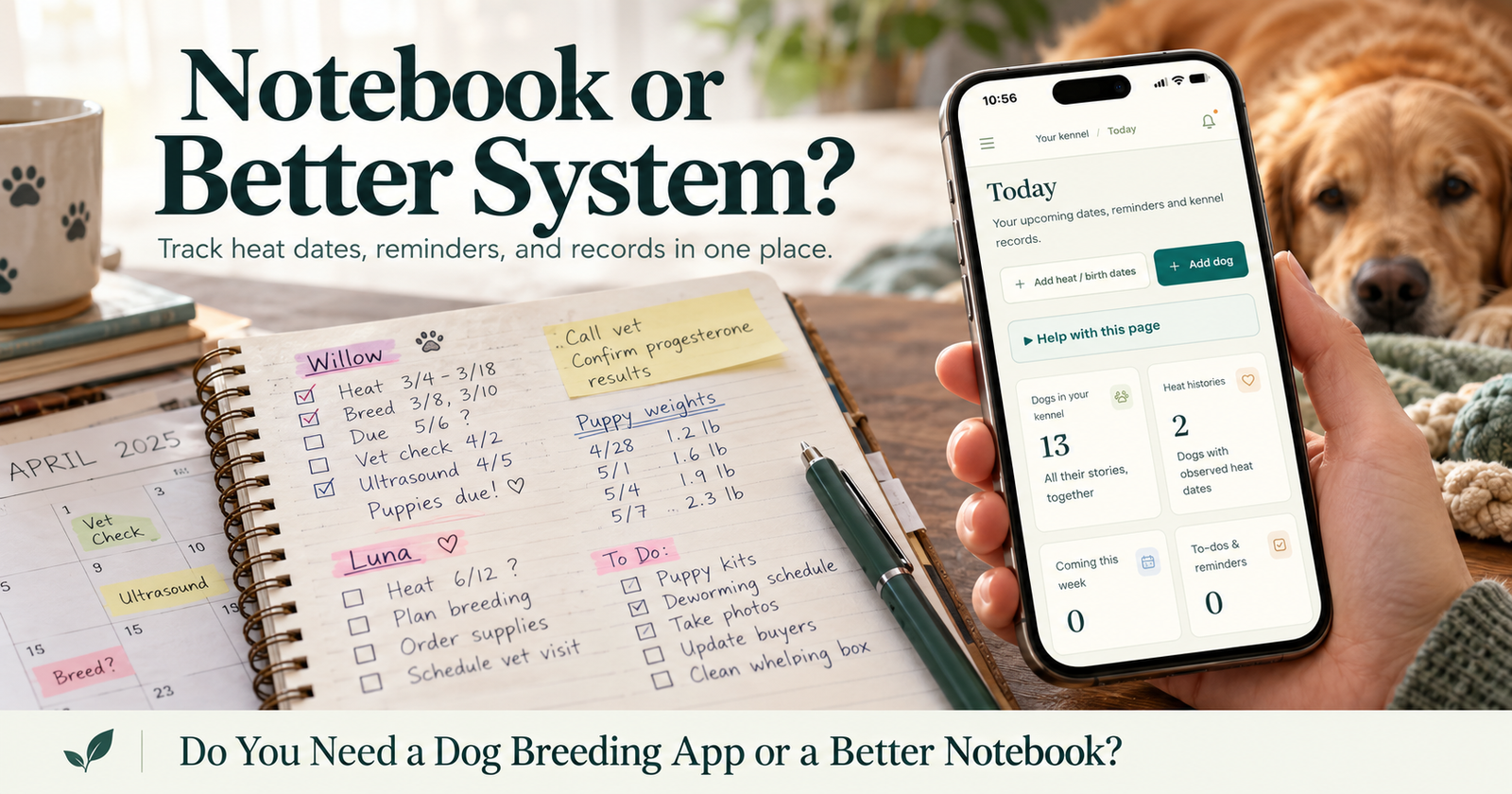
Her Actual Dates Deserve Their Own Record
“When did she start last time?”
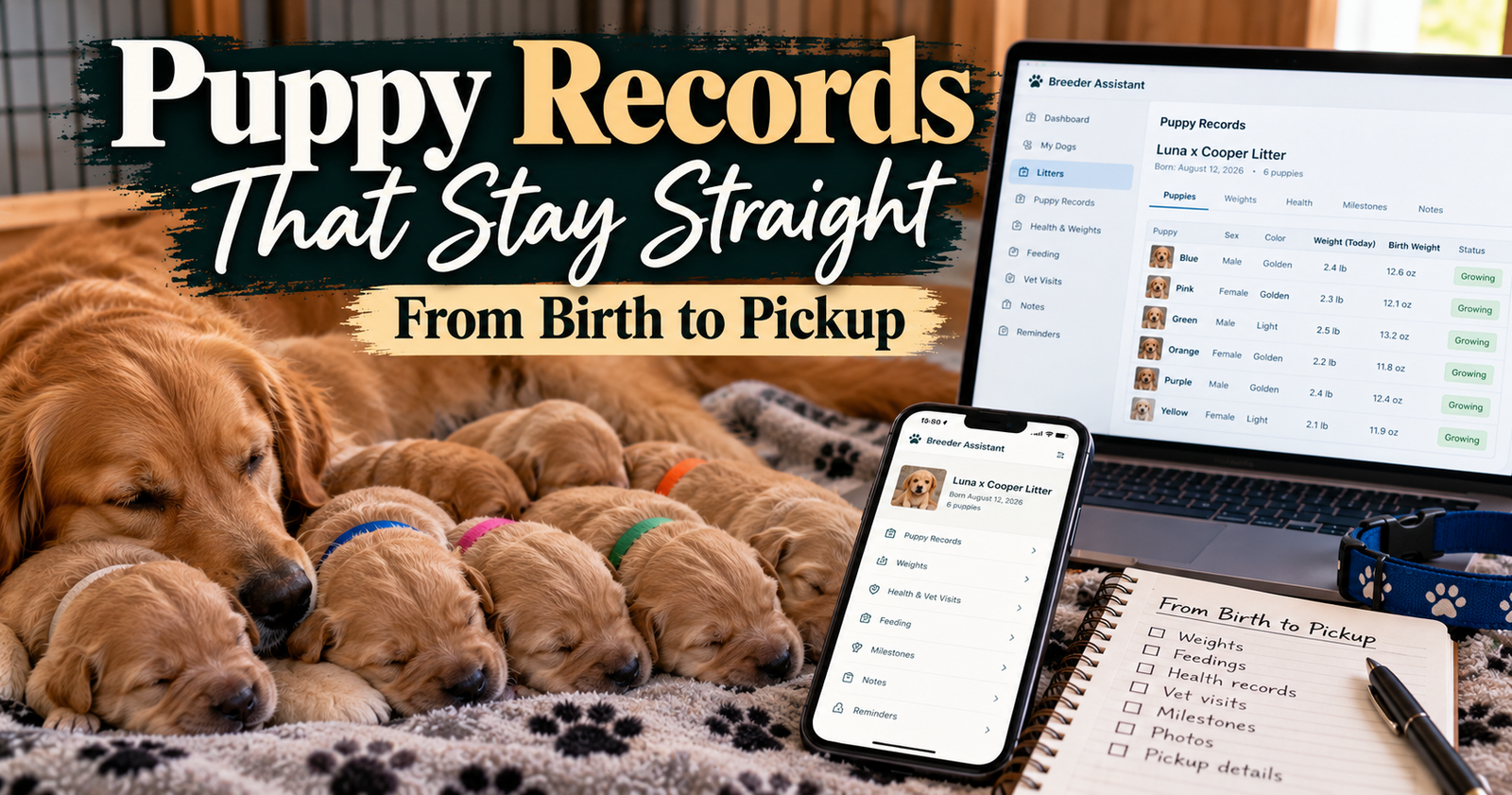
That’s a useful question. It’s harder to answer when the information is somewhere in a notebook, an old text, or a phone calendar entry that doesn’t identify the dog clearly. If scattered records are the problem, choosing a dog breeding app can help you decide whether connected software is worth adopting.
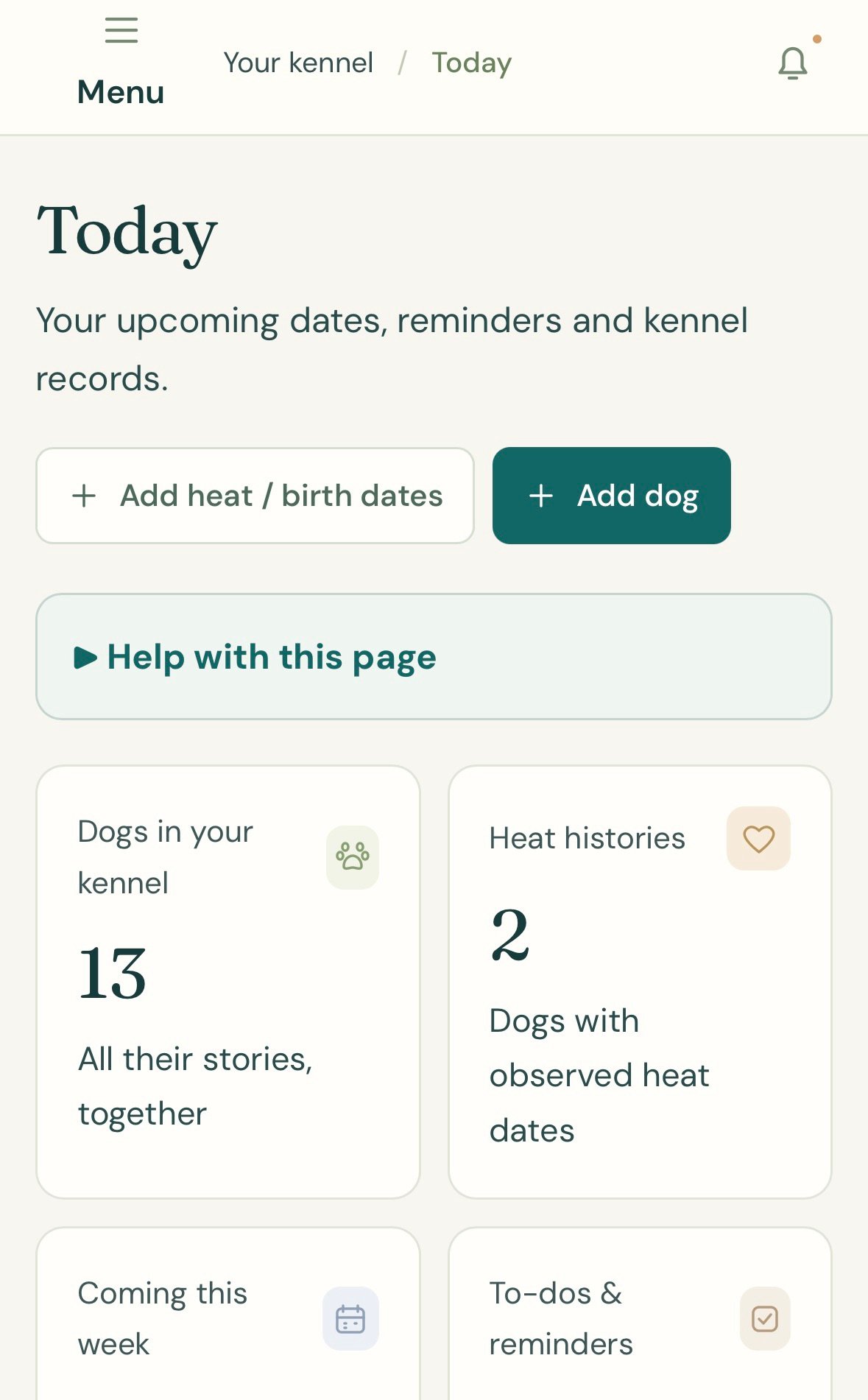
Breeder Assistant keeps heat history connected to the individual female.
Record the Heat Start You Observed
Add the date you noticed the start of her heat.
That creates a reference you can return to later, rather than relying on memory when another cycle approaches.
Keep Approximate Dates Honest
Sometimes an older date is only approximate.
The tracker distinguishes an approximate heat-start date from one recorded without that qualification. You don’t have to turn an uncertain memory into a falsely precise record.
Review Each Female Separately
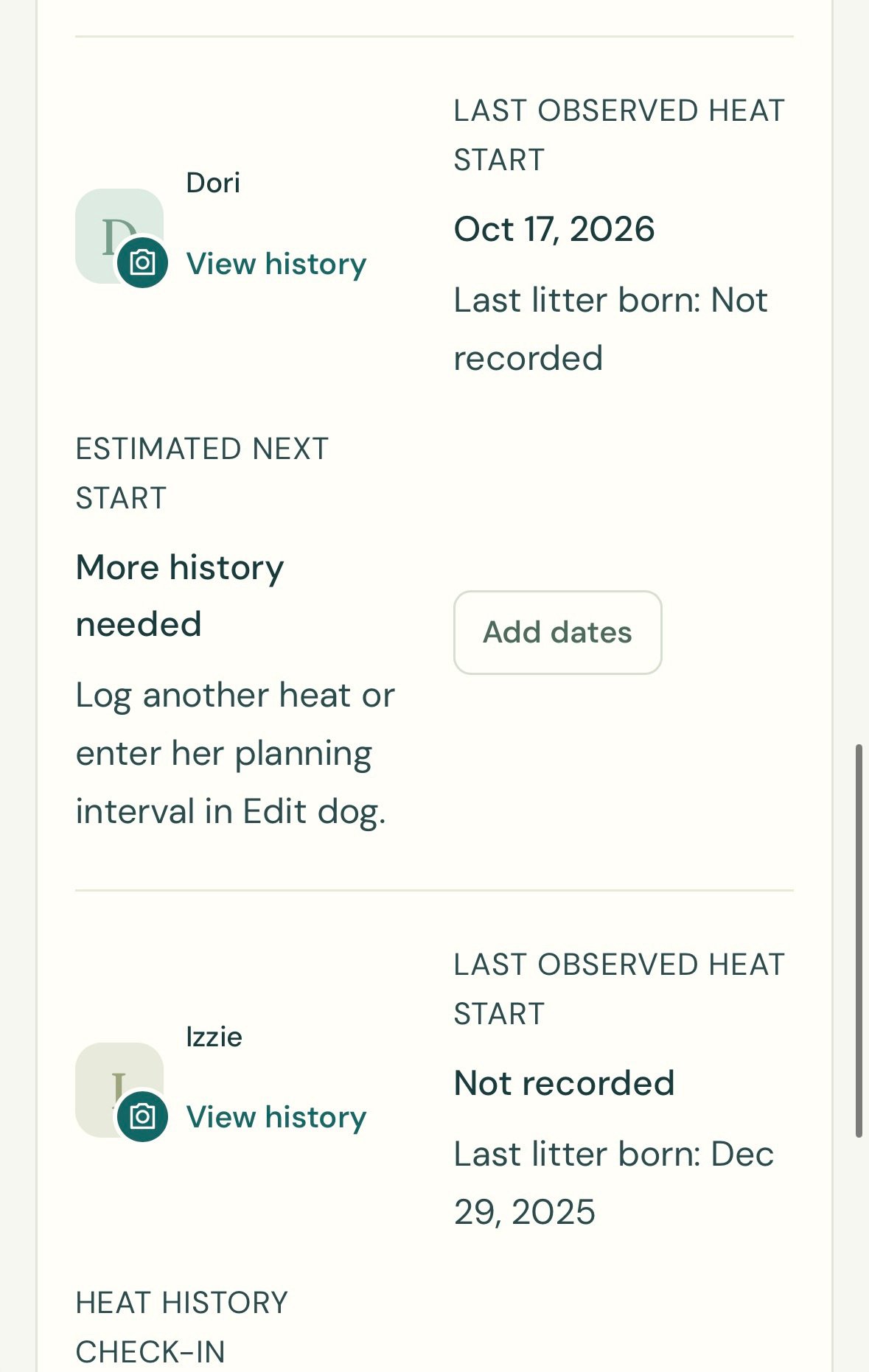
The Heat tracking view brings together her last observed heat start, last recorded litter birth, and next planning information.
Use View history to return to the individual dog.
Open Breeder Assistant to start organizing your females’ heat histories and give each dog a record you can find again.
What the Heat Tracker Shows
The useful part is seeing what a date actually means.
Breeder Assistant separates observed history from future planning information.
Last Observed Heat Start
This is a date entered into the record.
It tells you what has been documented, including whether the date was marked approximate.
Last Litter Born
The most recent recorded litter birth appears alongside the heat information.
That helps keep reproductive history in view without treating a birth date as if it were a heat start.
Estimated Next Start
When there is enough information, the app displays a planning estimate based on her recorded pattern or the interval you enter.
The estimate is labeled as an estimate.
Heat History Check-In
If you only have a litter birth date, the app can use a configurable history check-in.
A check-in asks you to review her history. It does not claim she will come into heat that day.
That distinction matters when you’re starting with incomplete records.
Getting Started With Heat Tracking
You don’t need a perfect lifetime history before you can begin.
Start with the information you actually know.
1. Add the Female’s Dog Profile
Create her individual record and identify her as female.
The Heat tracking view lists active female dogs so their information stays separate.
2. Open Heat Tracking
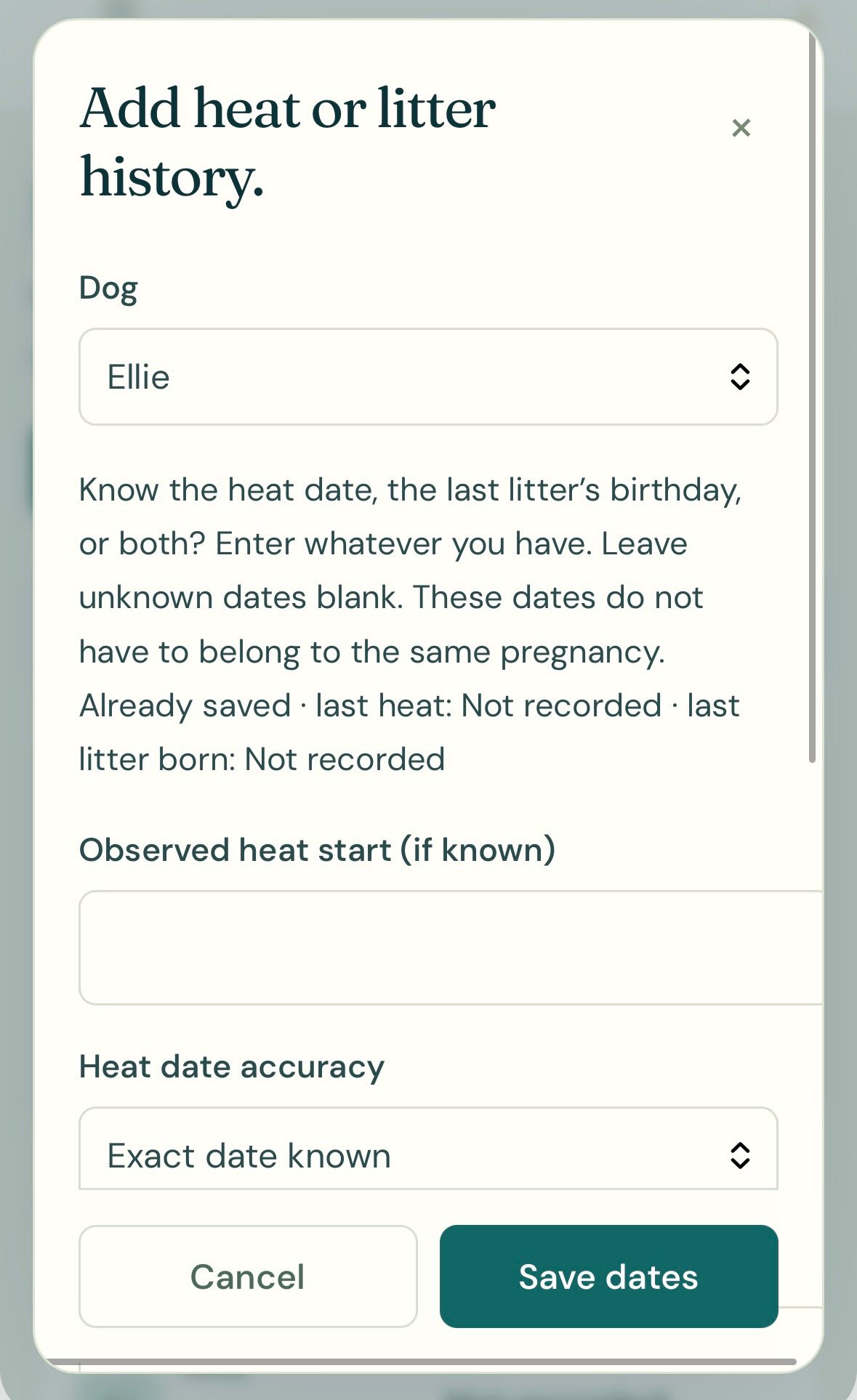
Select Add heat / birth dates, or use Add dates beside the relevant dog.
Add a known heat start, litter birth date, or both.
Leave unknown dates unknown.
3. Review Her Planning Information
If there is enough history or a planning interval has been entered, review the estimated next start and the explanation displayed with it.
If the app says More history needed, add reliable information as it becomes available.
An empty estimate is more useful than a confident-looking date built on guesses.
4. Enter the Actual Start When You Observe It
A projected date does not become an observed event just because it passes.
When you notice the next heat, add that actual date.
The record then becomes useful for comparing what happened with what had been expected.
Plan Around Her Pattern
A generic calendar often assumes every female will cycle on the same interval.
Real dogs vary.
Merck describes intervals between heats ranging broadly from about four to thirteen months, with individual and breed differences. That range is a reason to pay attention to her history rather than force her into a universal six-month schedule.
A Simple Example
Imagine you manage three females.
One has several recorded heat starts. Another has only one known start. The third has a litter birth recorded, but no reliable heat-start history.
Those are three different kinds of information.
The first may support a history-based estimate. The second may need another observed cycle or a planning interval. The third may have a history check-in rather than a predicted heat.
The page should tell you which situation applies, without making you reconstruct it from memory.
Add Better Information as You Get It
Older records may be incomplete.
That doesn’t make starting pointless.
Record the next observation accurately, then keep going. You’re building a more useful history with each confirmed entry.
See What May Need Attention Soon
Breeder Assistant’s upcoming heat-planning section shows estimates and history check-ins approaching within the next 30 days.
They are labeled separately so you can tell whether you’re looking at an estimated heat or a prompt to review records.
Past Estimates Stay Past Estimates
If a planning date passes without a newer observed start being entered, the app flags the history as needing an update.
It doesn’t quietly declare that a heat occurred.
You can add a later heat or birth date if you know one. If you don’t, there’s no need to invent it.
Compare the Estimate With the Observation
When an actual start is recorded, the app can show whether it was earlier or later than the estimate.
That comparison helps you understand the record.
It isn’t a judgment that the dog is early, late, or unhealthy.
Keep Appointments and Care Notes Nearby
Heat tracking often creates another task.
You may need to contact your veterinarian, arrange a reproductive appointment, or review previous care information.
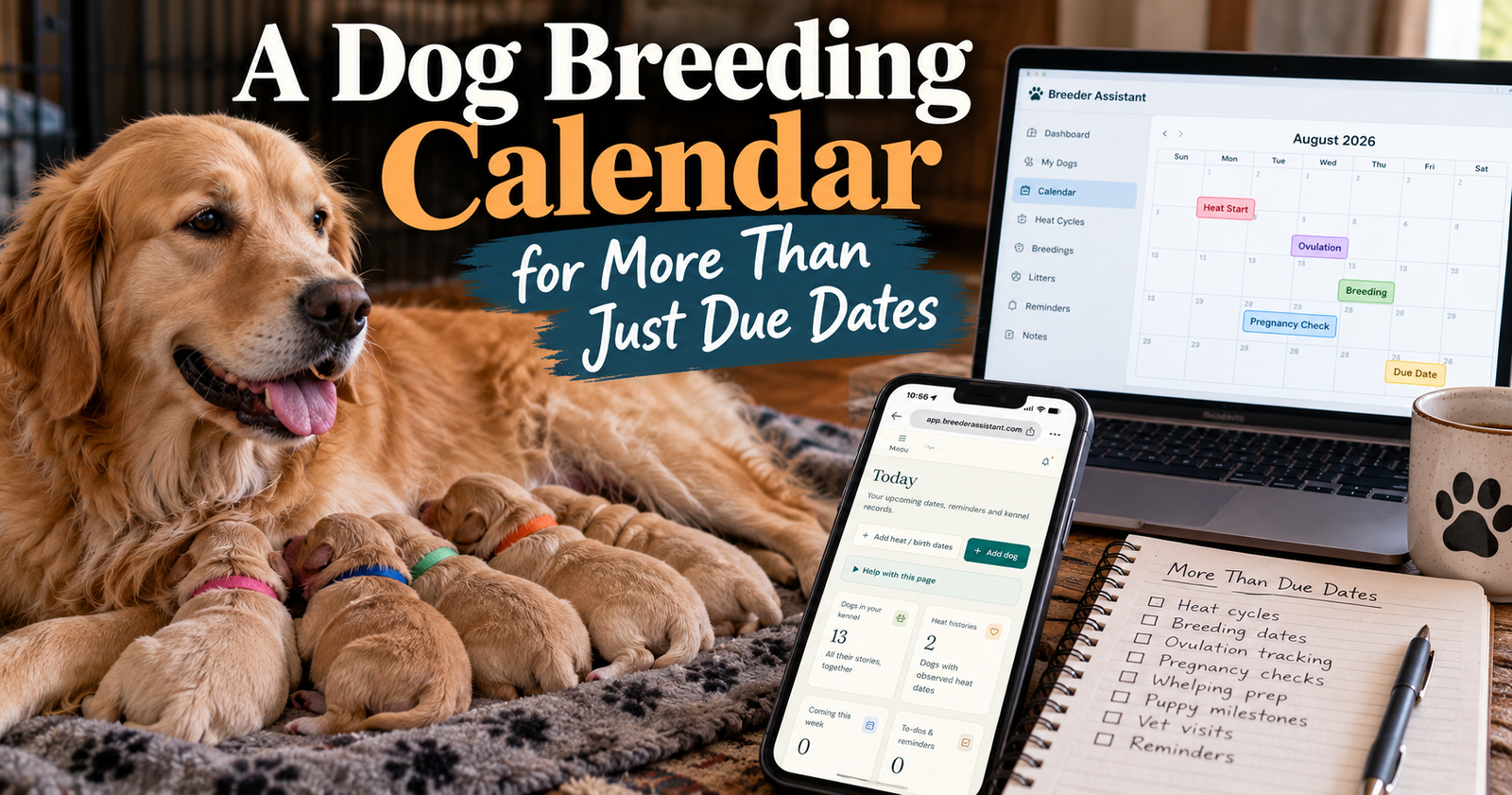
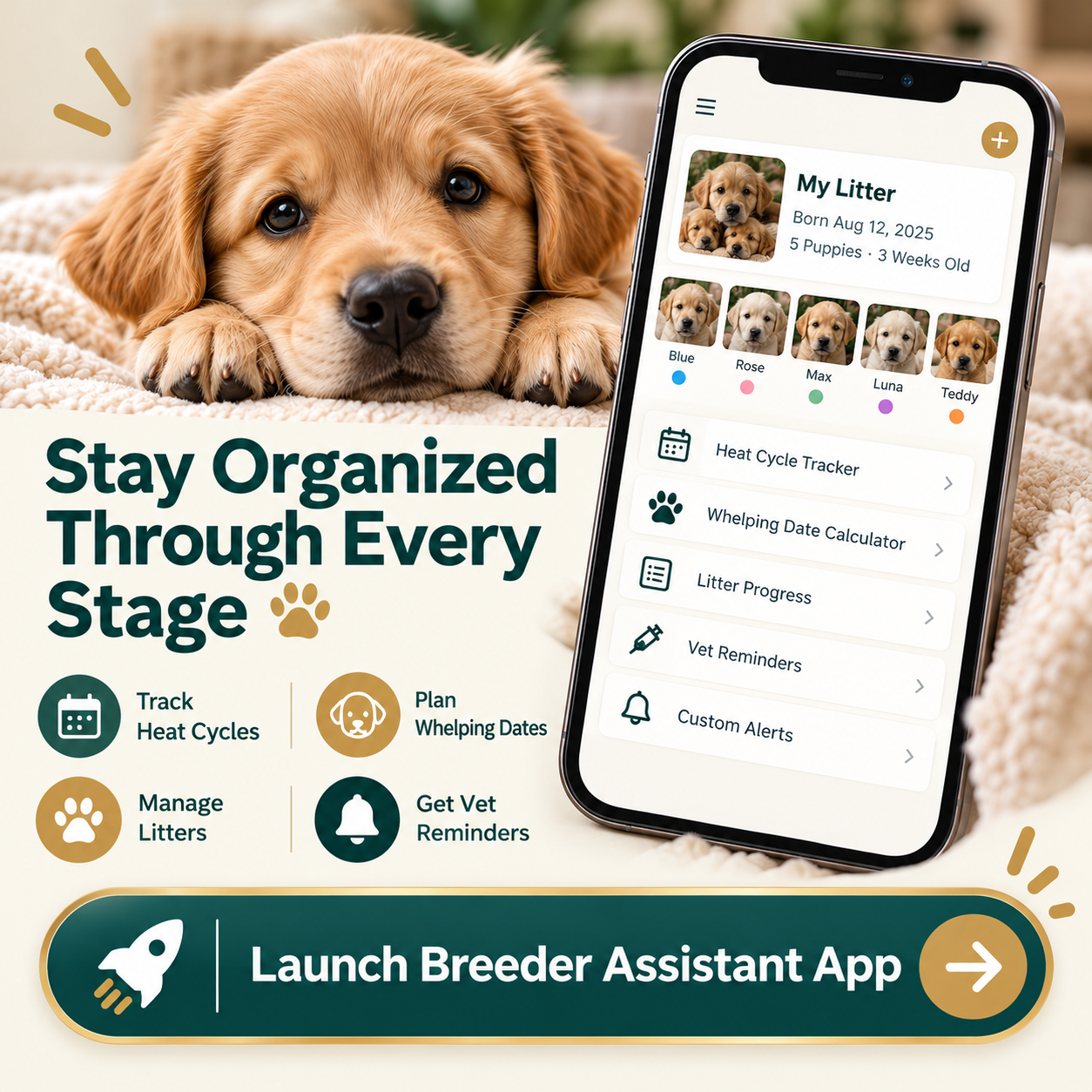
Breeder Assistant also provides dog records, notes, appointments, reminders, and a calendar, so those details don’t have to live in separate places. The dog breeding calendar explains how to organize those dates, tasks, and reminders without losing their meaning.
Record the Plan Your Vet Gives You
Keep instructions with the correct dog.
Add the appointment date you were actually given rather than treating an estimated heat date as an automatic testing schedule.
Set Up the Reminders You Want
The app lets you choose reminder categories and timing preferences.
For email notifications, choose and verify the notification address and review your settings.
Keep a separate backup for critical care dates.
For a broader look at the workflow, see how Breeder Assistant connects dogs, litters, and reminders across the app.
A Heat Tracker Isn’t an Ovulation Test
This is worth being clear about.
A recorded heat start helps organize observations. An estimated next heat helps with planning.
Neither confirms ovulation, guarantees pregnancy, or identifies an exact day to breed.
Veterinary reproductive testing may be needed to assess breeding timing. Michigan State University explains that progesterone interpretation relies on changes over time and reproductive context, rather than a calendar date alone.
Record What You Noticed
For example, a useful note might say:
“First discharge noticed this morning.”
That tells you what was observed.
“Definitely ovulating today” says something very different and needs appropriate evidence.
Don’t Use an Estimate to Prevent Pregnancy
A projected date doesn’t establish when a female cannot become pregnant.
Use appropriate separation and veterinary advice when preventing an unwanted mating.
Don’t Let a Date Override a Concern
If her pattern changes or something about her condition concerns you, contact your veterinarian.
The purpose of organized records is to make that conversation clearer.
For Small Breeding Programs and Multiple Females
You don’t need a large kennel to benefit from an organized history.
A small program still has dogs with individual needs, appointments, and records worth keeping.
If You Track One Female
You can begin with her profile and known dates.
You don’t need to fill every optional field before the record becomes useful.
If You Track Several
The shared heat view helps you review females together while keeping their histories distinct.
That matters when one dog’s estimate is approaching and another’s record needs updating.
If a Litter Was Unexpected
Start with the birth information you know.
You can organize the mother and puppies without pretending you know the breeding or heat dates.
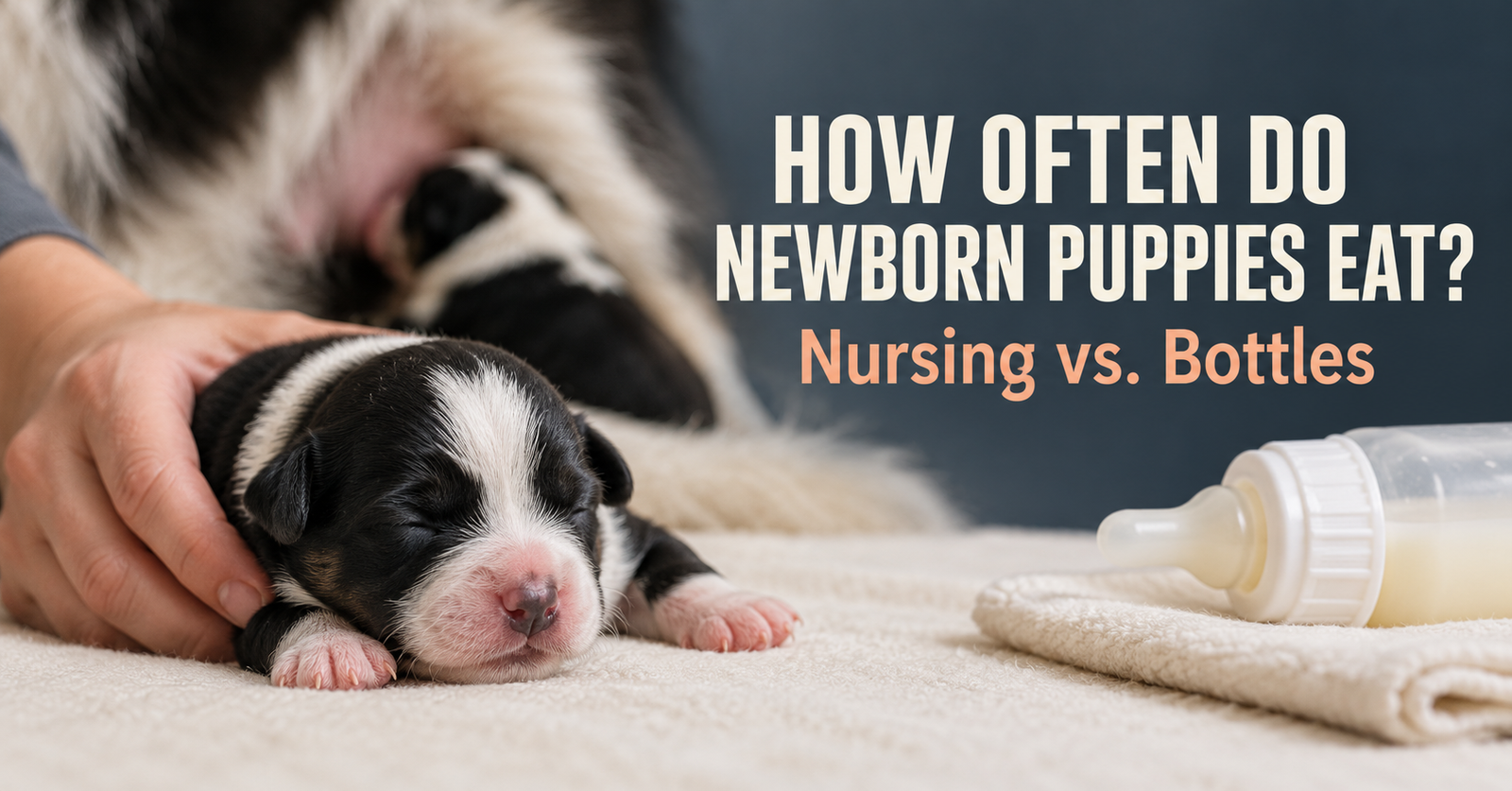
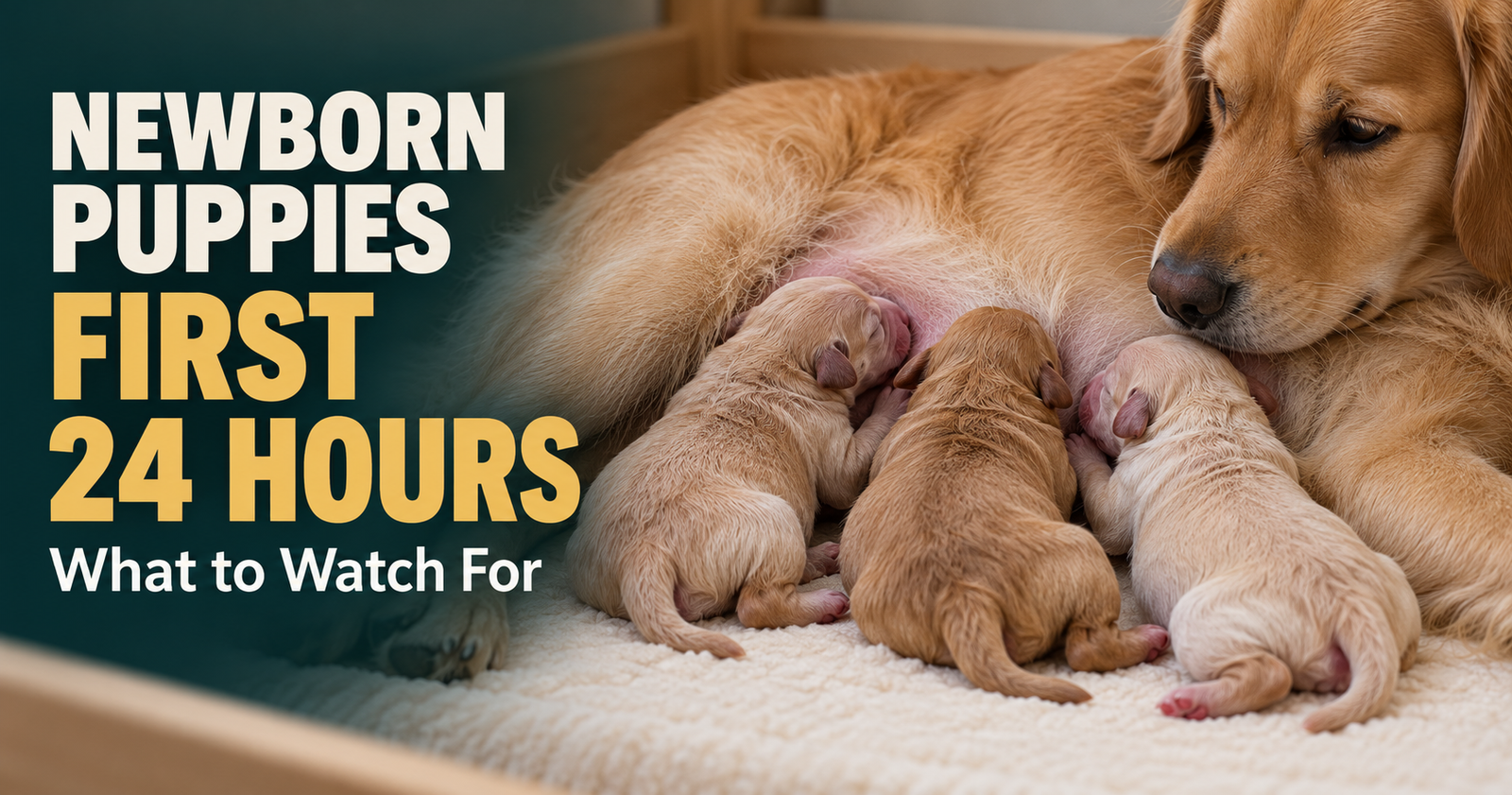
Our newborn puppy first-day guide covers the immediate care priorities while you get those records started.
Questions About the Dog Heat Cycle Tracker
Can it estimate when my dog will come into heat next?
Yes, when sufficient history or an entered planning interval supports an estimate. The app labels that date as an estimate and explains its basis. Record the actual start when you observe it.
What if I only know when her last litter was born?
You can enter the birth date. Birth-only history supports a configurable history check-in, not a confirmed prediction of her next heat.
Can I track several female dogs?
Yes. Each female has her own dog record, and the Heat tracking view brings active females together for review.
What if I don’t remember the exact start date?
Use the approximate-date option when appropriate. Don’t enter a precise date simply to make the history look complete.
Is this just a one-time heat cycle calculator?
No. Breeder Assistant keeps individual dog histories alongside litter information, notes, appointments, and reminders. The heat estimate is one part of the ongoing record.
Does it tell me the best day to breed?
No. It helps you organize dates and plan ahead. Breeding timing and fertility assessment belong with your veterinarian and any recommended reproductive testing.
Where do I begin?
Open the Breeder Assistant app, review the available plans, and start with a female dog’s profile. Then add the reproductive dates you know and review her Heat tracking information.
Written by Breeder Assistant, sharing practical guidance from a licensed dog breeder with many years of experience and 14 dogs total in a small breeding program.