

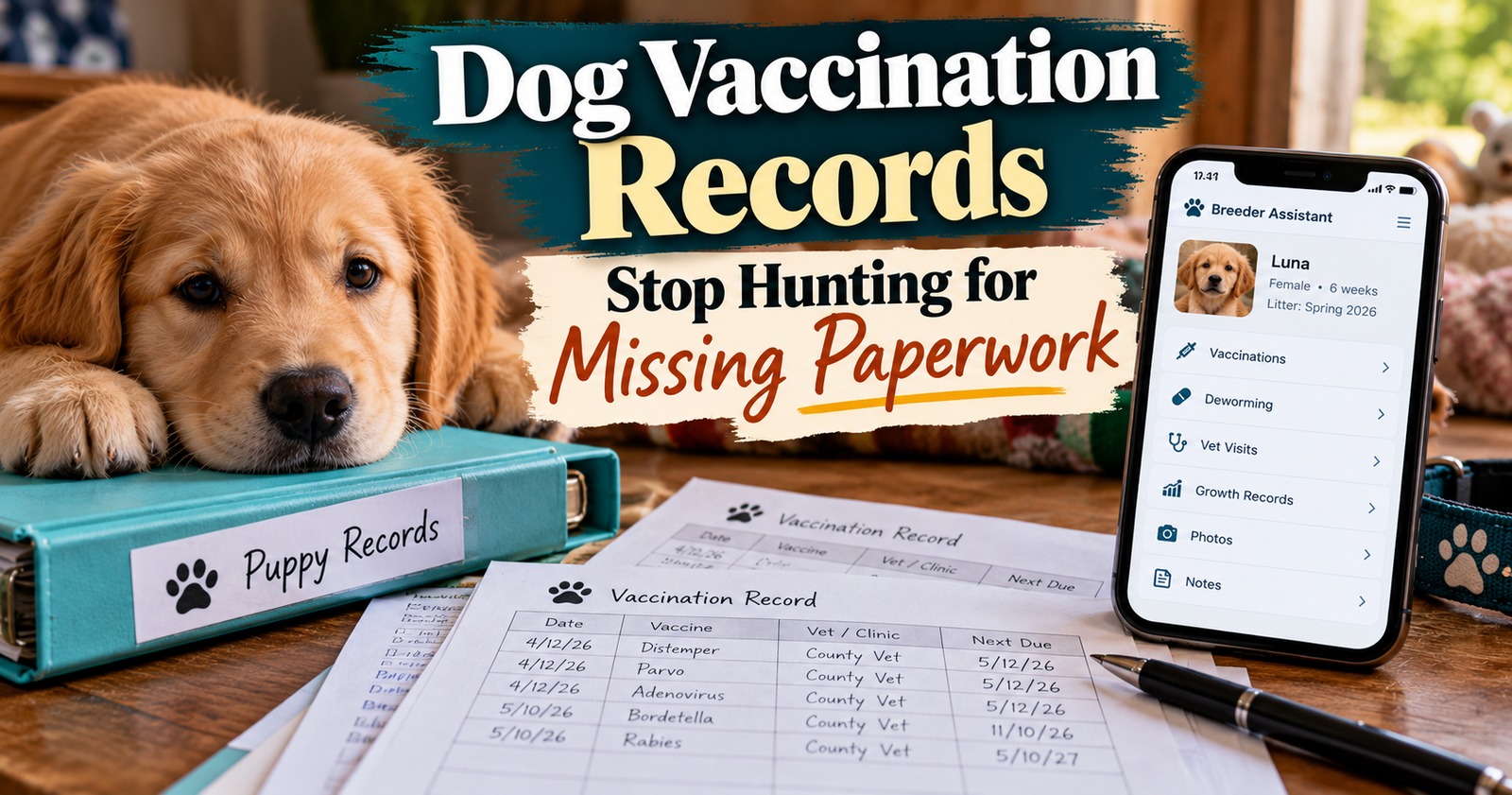
I want to spend my time caring for my dogs, not searching through old messages for a vaccination date.
But with several dogs, the paperwork matters. Remembering that somebody had a shot recently is different from knowing which dog, which vaccine, and when.
With 14 dogs total in my small breeding program, that difference matters to me.
Good dog vaccination records should answer three questions quickly: What did this dog receive, when was it given, and what has the vet recommended next?
Here’s how I’d approach getting those records together, including what to do when some are missing.
Where to Get Your Dog’s Vaccination Records
Start with the veterinarian or clinic that gave the vaccines.
Ask for a vaccination history for that specific dog. If you also need a rabies certificate, ask for that by name rather than assuming it will come with a basic shot summary.
Have a few details ready:
- Your dog’s name.
- Your name, or the name on the account at the time.
- An approximate date of the visit.
- The clinic location, if the business has several.
- Any previous name your dog had.
A useful request is:
“Could you email me this dog’s vaccination history and current rabies certificate, please? I’d also like the next recommended vaccination dates.”
If you’re moving to a different veterinarian, ask about transferring the full medical history too. A vaccine summary gives your new vet less information than the complete record.
What if the vaccines came from different places?
Contact each provider.
A regular veterinary clinic may not have records from a separate vaccination event, mobile clinic, shelter, or previous veterinarian unless somebody sent them over.
Gather those copies before trying to put together one complete history.
What if your dog came from another owner or breeder?
Ask for the original paperwork and the name of the veterinary clinic involved.
A message saying “all shots done” leaves too much unanswered.
You need dates and details connected to the right dog. If the dog’s name changed, keep a note connecting the previous name to the current one.
Missing Records? Mark the Gap Clearly
I wouldn’t fill in a vaccination date because it sounds about right.
There’s a big difference between:
- A vaccination documented by the clinic.
- A previous owner saying a vaccination happened.
- An appointment that was booked.
- A date you think you remember.
Keep those differences visible.
You can write, “Previous owner reports vaccination in spring; documentation requested.” That preserves the information without turning an unconfirmed statement into a completed medical record.
If the history remains unclear, take what you have to your veterinarian and ask for a plan.
Don’t build a catch-up schedule yourself from a collection of half-remembered dates. Vaccination recommendations depend on the individual dog, vaccine, history, and circumstances.

What to Keep in a Dog Vaccination Record
My starting point is simple: keep the original document, then make the important information easy to find.
A useful personal record includes:
- The dog’s name and identifying details.
- The date the vaccine was given.
- The vaccine name exactly as documented.
- The veterinarian or provider.
- The next date recommended by the veterinarian.
- Where the original paperwork is saved.
Keep the product details supplied by the provider too. Veterinary vaccination documentation can include the product, lot number, expiration date, and how and where it was administered. You don’t need to reconstruct those details yourself. Preserve the source record.
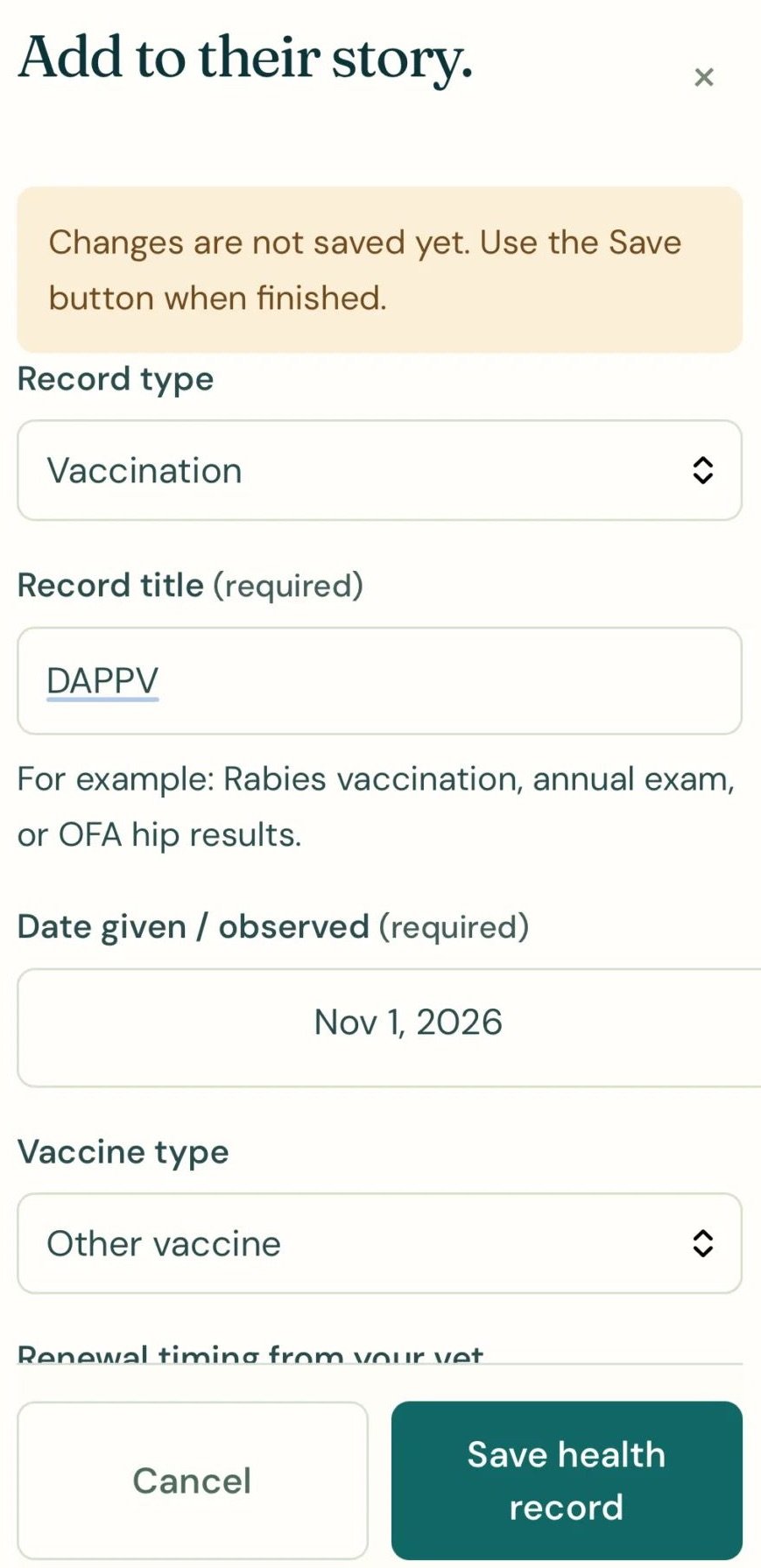
Make sure the paperwork identifies the right dog
This deserves extra attention when you have littermates, similar names, or several dogs of the same breed.
Where available, keep the microchip number, date of birth, registration details, or other identifiers with the record.
A clear identifying photo can help with your own organization, but it doesn’t replace the identifying information on the veterinary paperwork.
Keep vaccine names as written
“Puppy shot” or “yearly shot” may mean something to you today.
Months later, it may not be enough.
Copy the vaccine name from the document. If an abbreviation is unclear, ask the clinic to explain it instead of guessing what it includes.
A Reminder Is Different From a Completed Vaccination
This is one of the easiest ways for records to get confusing.
An appointment on the calendar means care is planned. It doesn’t show that the vaccine was actually given.
I want those two things kept separate:
Completed care: What happened, with the actual date and supporting paperwork.
Upcoming care: What the veterinarian recommends doing next.
If an appointment changes, update the plan. Leave the completed history alone until the care actually happens.
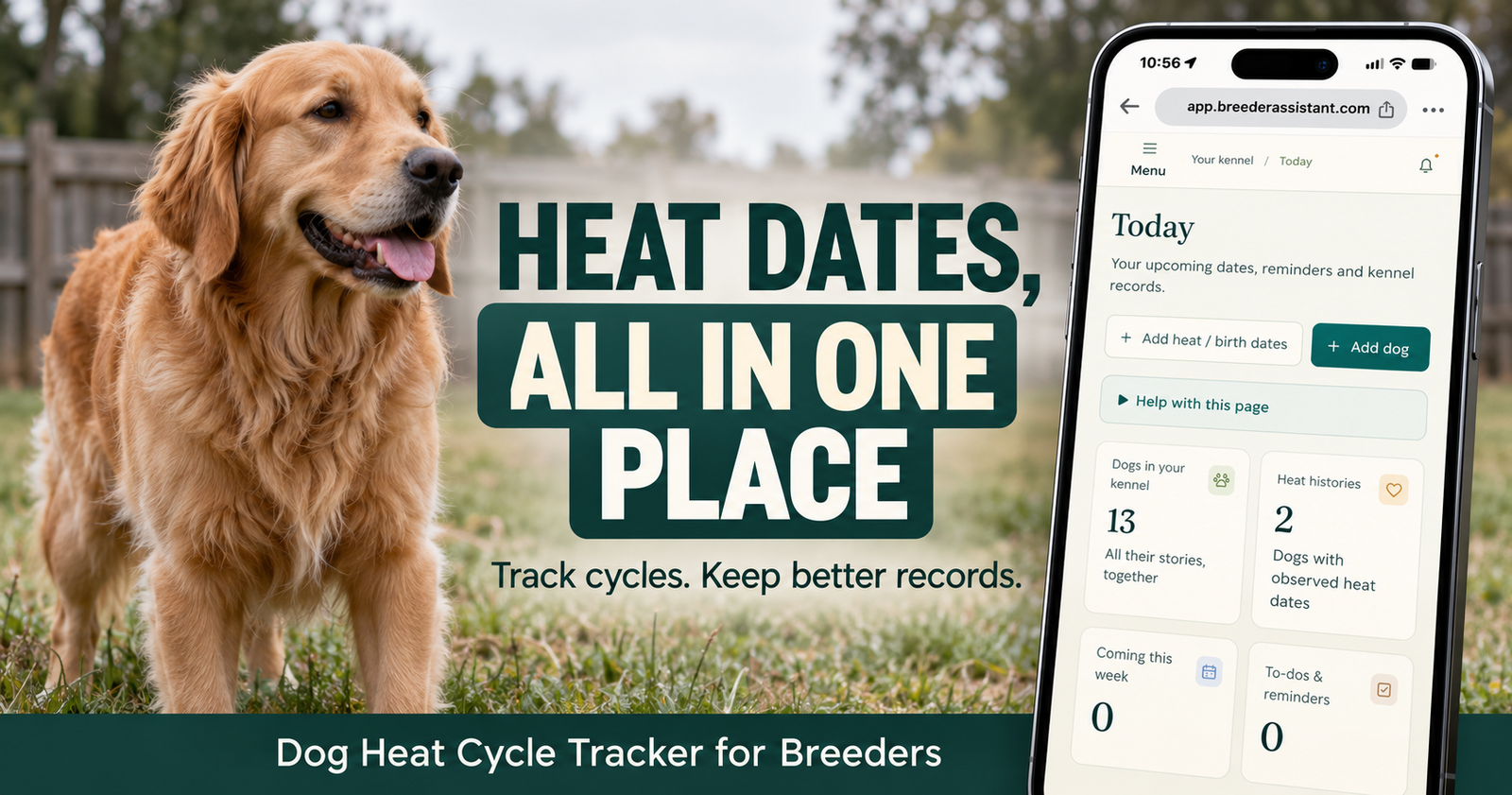
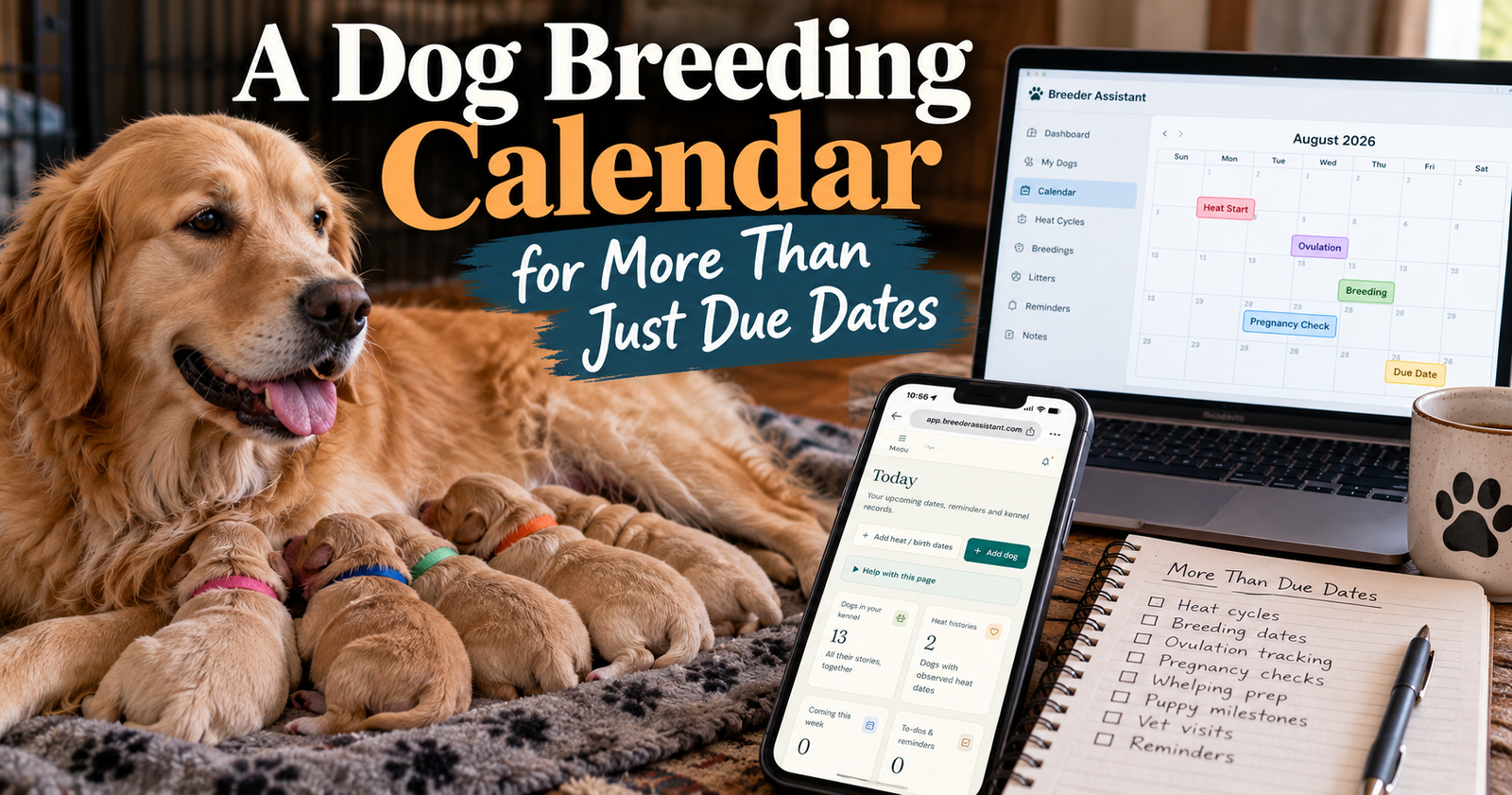
That’s also why a calendar that separates breeding plans from completed events is useful beyond calculating a litter’s arrival.
Don’t confuse product expiration with the next due date
The expiration date printed on a vaccine product concerns the product itself.
It is not automatically the date your dog needs another vaccination.
Use the next date your veterinarian gives you. If the paperwork shows conflicting dates, ask the clinic to clarify before copying one into your reminders.
Keeping Vaccination Records for Several Dogs
With one dog, a clearly labeled folder may be enough.
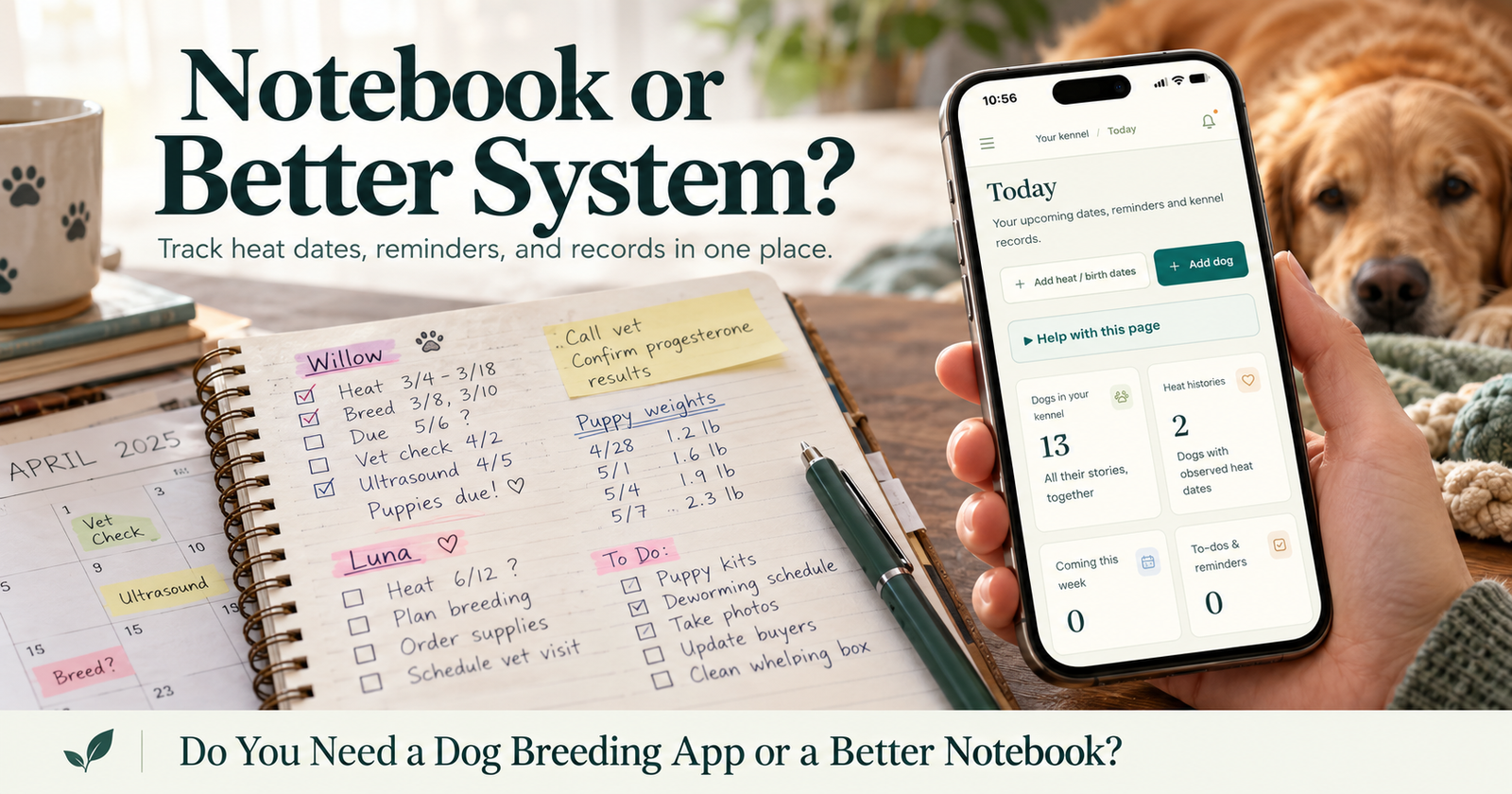
With several, I want to open an individual dog’s record and see that dog’s information without sorting through everybody else’s paperwork. The choice between a notebook and an app becomes clearer when you test it against an individual dog record system like individual dog record system.
The setup can stay straightforward:
- Give each dog a separate record.
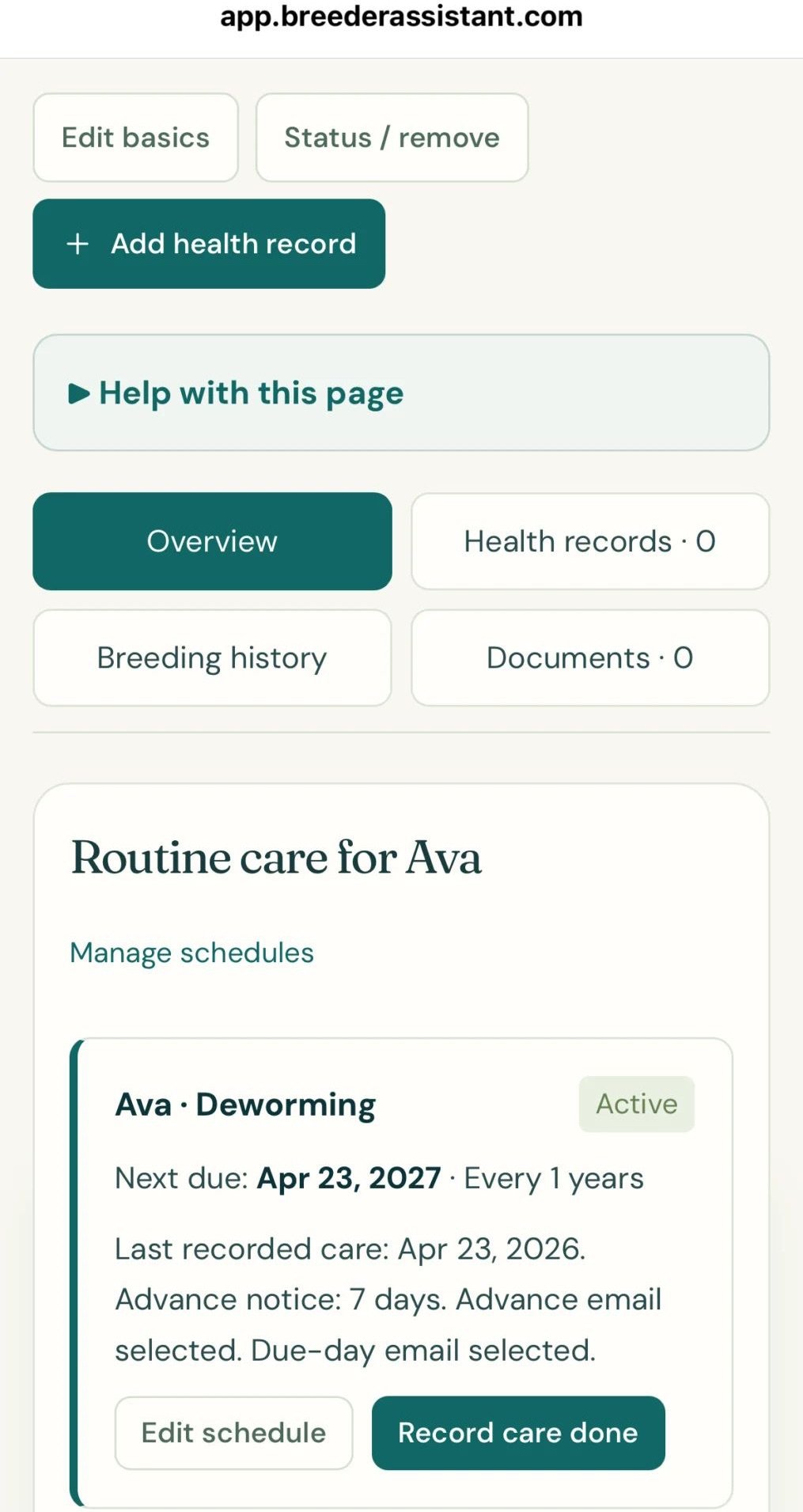
- Add completed vaccinations to that dog’s history.
- Save the supporting documents.
- Enter the next date from the veterinarian.
- Check everything against the original before moving on.
If several dogs visit the clinic together, check each dog individually afterward. Sharing an appointment date doesn’t mean every dog received identical care.
Where our app fits
Breeder Assistant lets you keep vaccination entries in a dog’s care history and upload documents, including vaccination certificates, under that dog’s profile. The same individual-record approach can also support a dog’s care history when a dog has medication instructions or repeated doses to document.
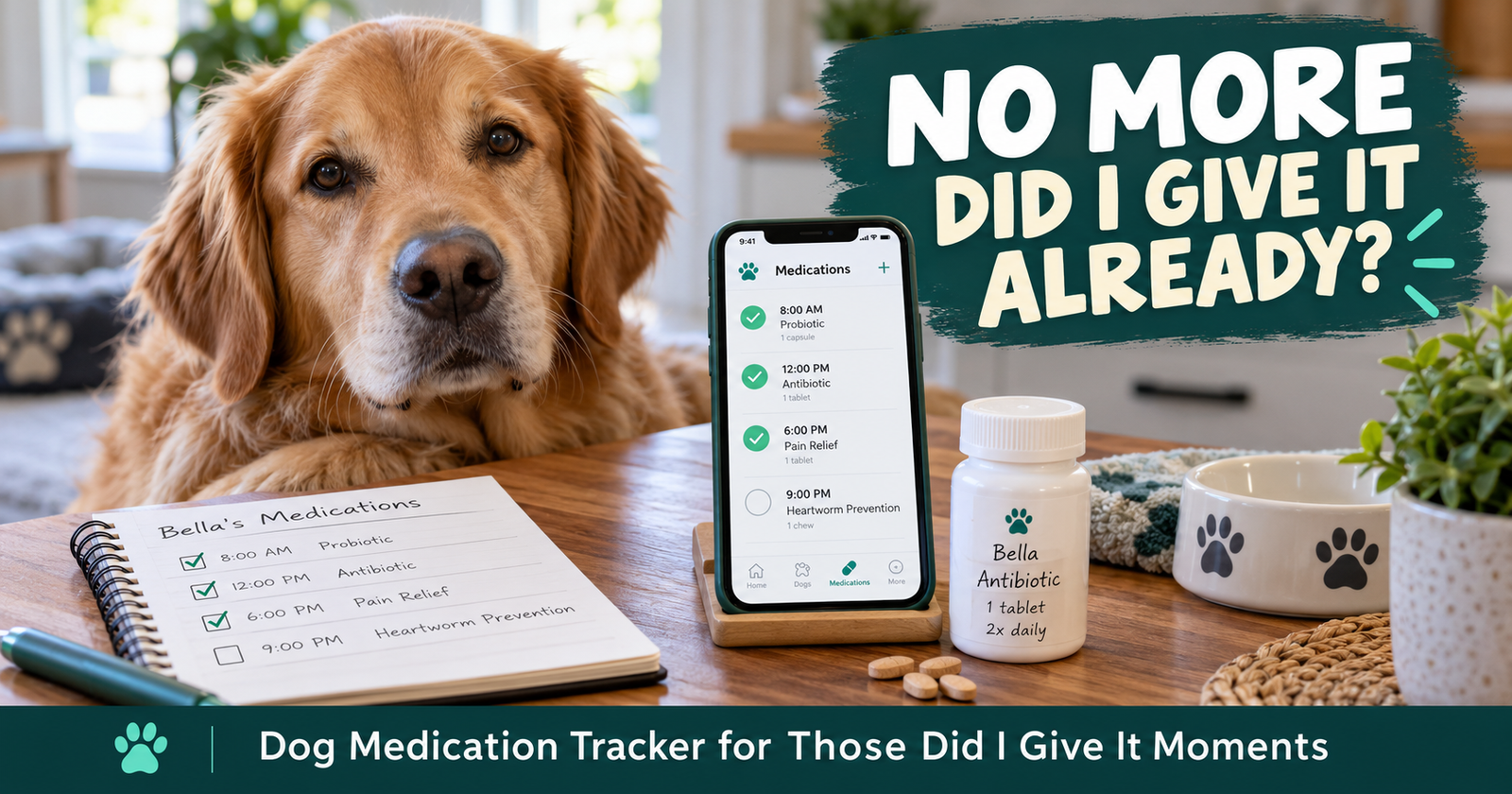
That gives the working record and its supporting paperwork a place together.
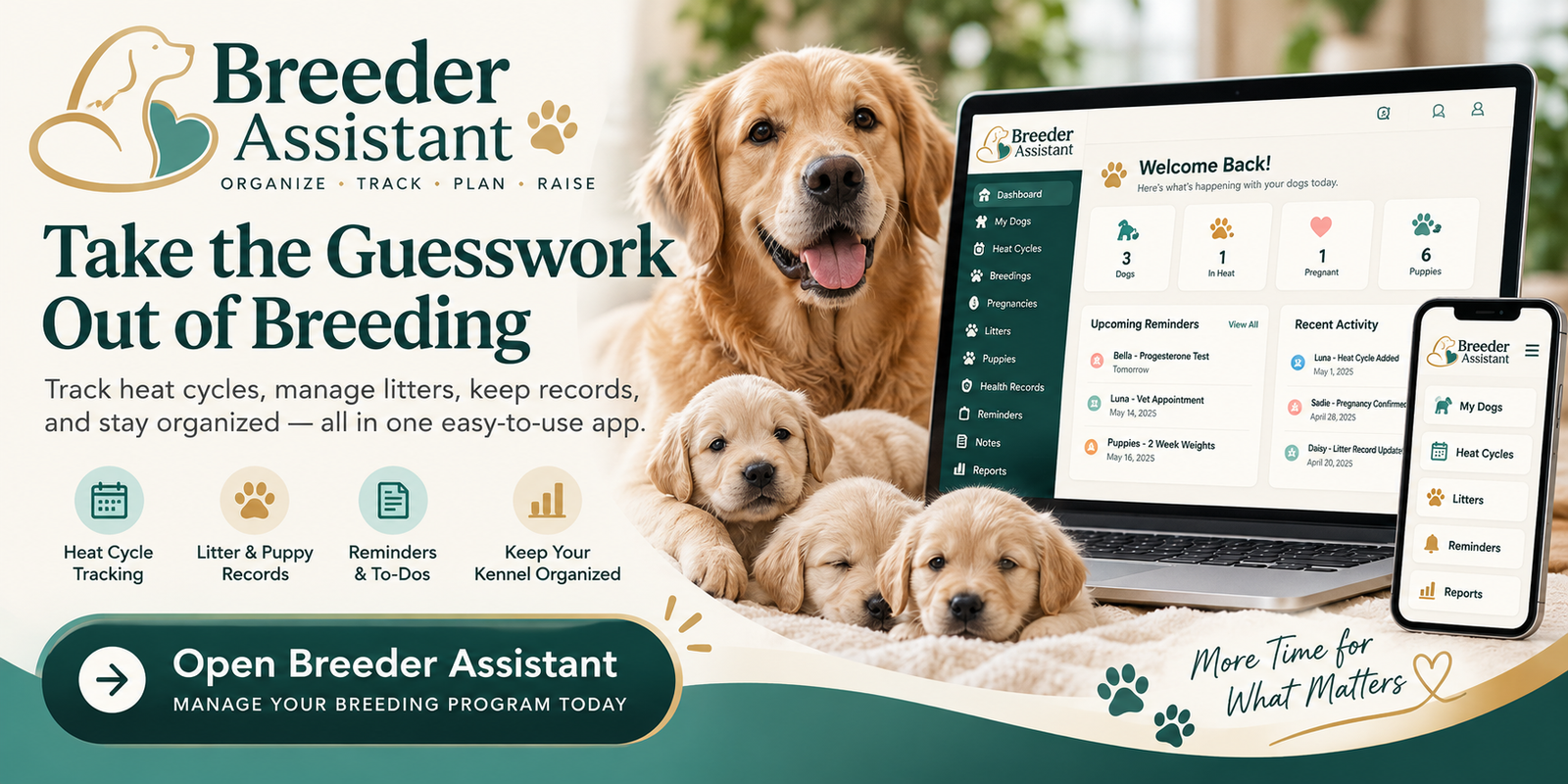
If you’re tired of checking a notebook, an email, and a camera roll for the same dog, you can bring each dog’s vaccine history and certificates together.
The useful part is being able to find the information when you need it. Accurate entry still matters.
Keep Original Paperwork Alongside Your Own Log
A personal vaccination log helps you stay organized.
When somebody asks for documentation, check exactly what they need. A boarding facility, training business, or other provider may want paperwork from the veterinary clinic rather than your own summary.
Ask early enough to get the right document.
For rabies records, keep the actual certificate supplied by the provider. A number copied into your notes can help you find it, but keep the document itself too.
Give saved files names you can recognize
Something like this is easy to understand:
Bella-vaccination-record-2026-11-01.pdf
Use the dog’s name, the type of document, and a clear date.
If you photograph paperwork, check the image before putting the paper away. Make sure the dog’s identity, dates, and all relevant pages are readable.
A blurry corner of a certificate won’t help much later.
Keep another copy somewhere you can access if your usual phone or device is unavailable.
Puppy Vaccination Records Need Individual Attention Too
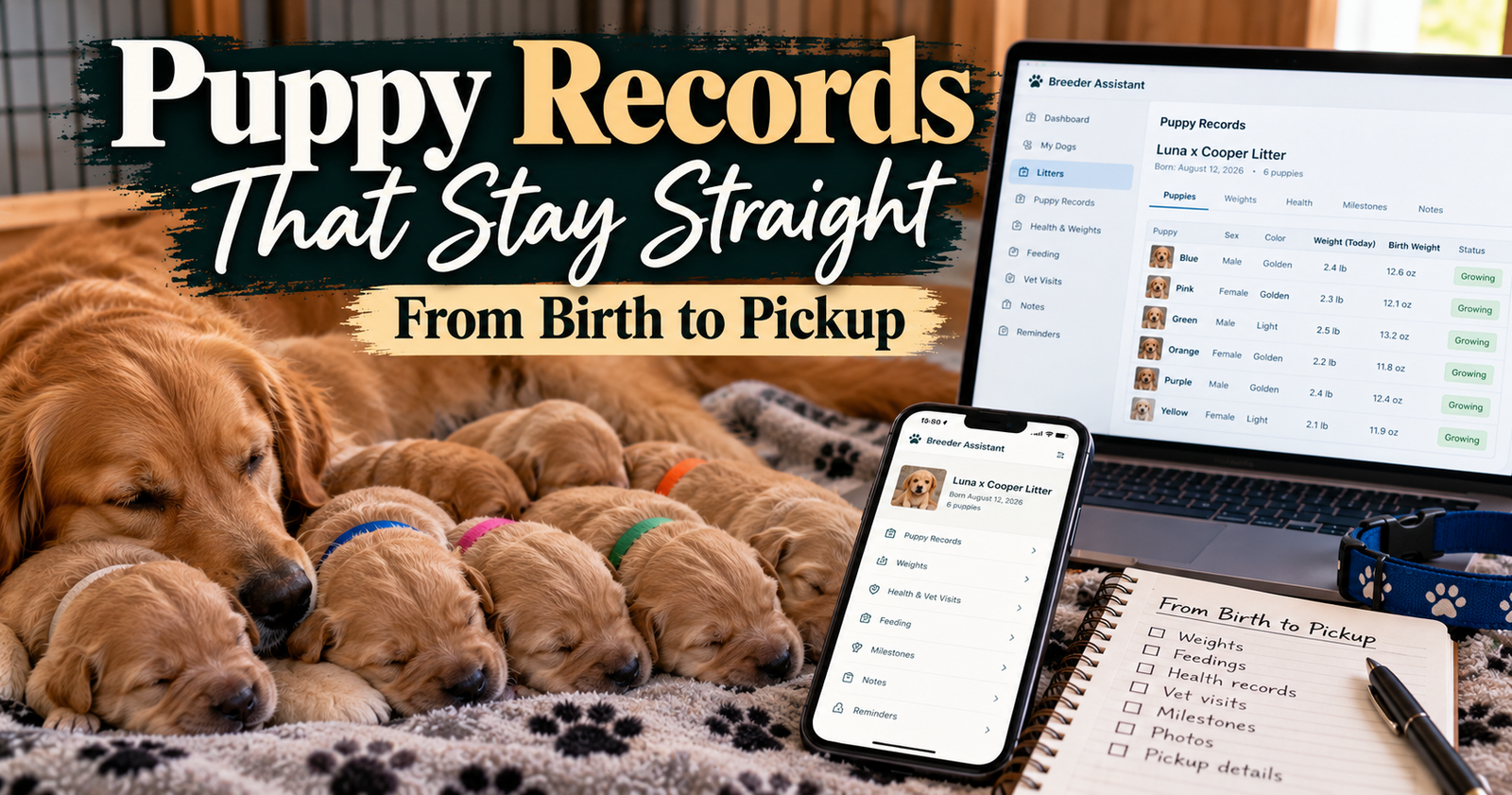
A litter may share a birth date and veterinary appointment, but each puppy needs a record that follows that puppy.
Before pickup, check that the paperwork matches the puppy going home.
If you’ve used collar colors or puppy numbers, make the connection clear when adding the puppy’s new name or permanent identification.
I’d want the new owner to leave knowing:
- Which care is documented as completed.
- The dates it happened.
- Which clinic provided it.
- What follow-up the veterinarian recommended.
- Where the supporting paperwork is.
Avoid shortening everything to “up to date.” Give the new owner the actual records so their veterinarian can review them.
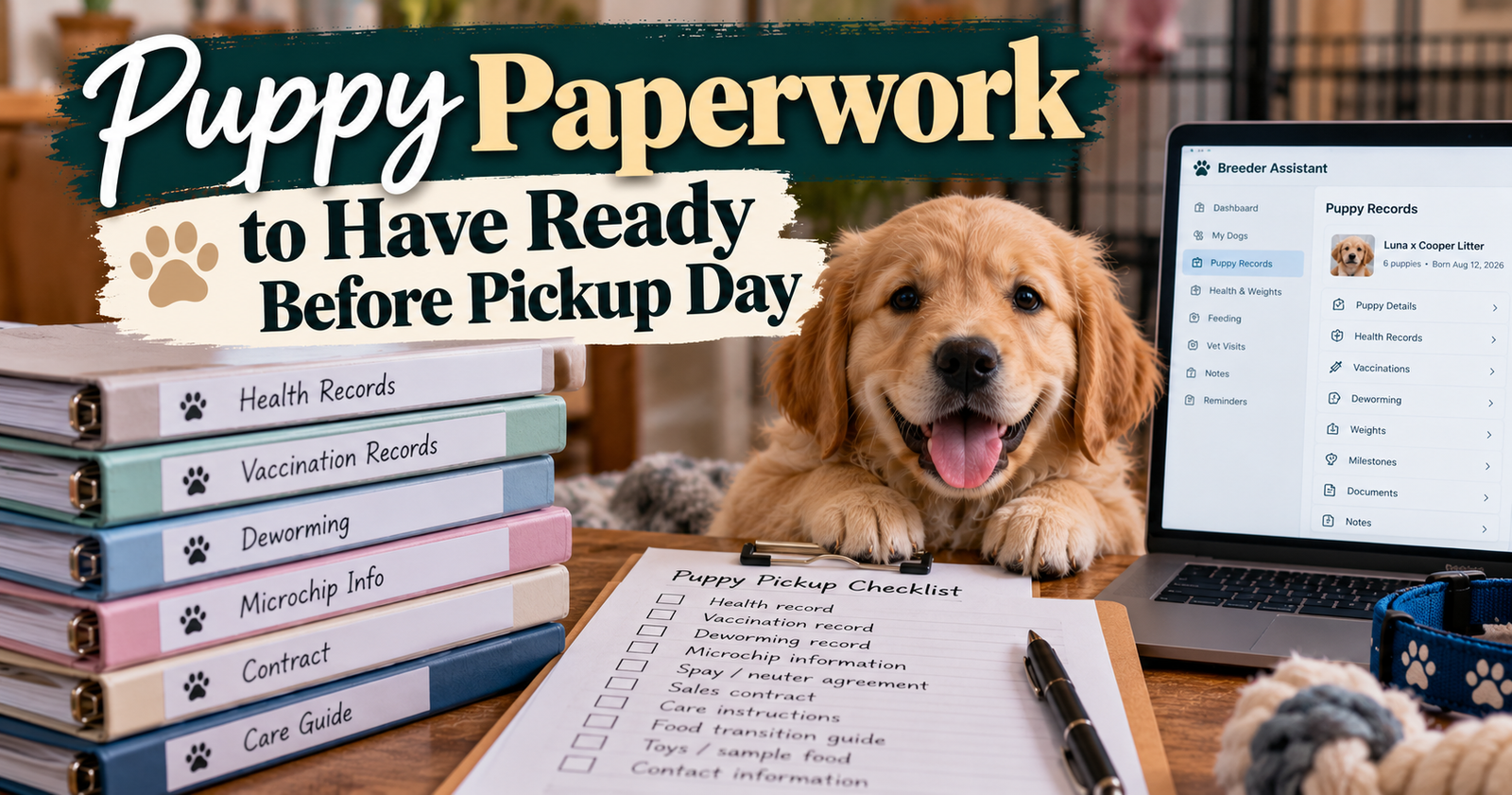
Our guide to keeping individual puppy details clear through pickup covers the wider recordkeeping side.
My Practical After-Appointment Checklist
The easiest time to organize new paperwork is while the visit is still fresh.
Before calling it finished, check:
- Is the dog’s identity correct?
- Are the completed vaccines listed clearly?
- Have I saved every relevant page?
- Is the next recommended date clear?
- Did anything change from the original appointment plan?
- Is there anything I need the clinic to explain?
If you noticed something concerning after a vaccination, contact your veterinarian. Keep a dated note of what you observed and the advice you received rather than trying to diagnose it in your records.
You don’t need an elaborate system to do this well. You need one you’ll actually keep current.
For breeders managing several dogs, you can organize vaccination entries alongside the rest of your dogs’ care in Breeder Assistant, with the original documents kept close.
Quick Questions About Dog Vaccination Records
Can I get my dog’s vaccination records online?
Possibly. Check whether the clinic offers a client portal or can email copies. The provider that administered the vaccine is the best starting point for finding its documentation.
Can I make my own vaccination record?
Yes, you can keep a personal log. Record the source of the information and save the original documents alongside it. Ask any organization requesting proof what documentation it accepts.
What if I only have an appointment reminder?
Keep it as a reminder until you confirm what happened. Ask the clinic for the completed visit record rather than treating the booking as proof of vaccination.
Should I keep old vaccination records?
I would keep the history as well as the latest document. Older records can help explain previous care, especially when changing veterinarians or sorting out an unclear timeline.
Written by Breeder Assistant, sharing practical guidance from a licensed dog breeder with many years of experience and 14 dogs total in a small breeding program.